What is a Mr NOA Wallet?
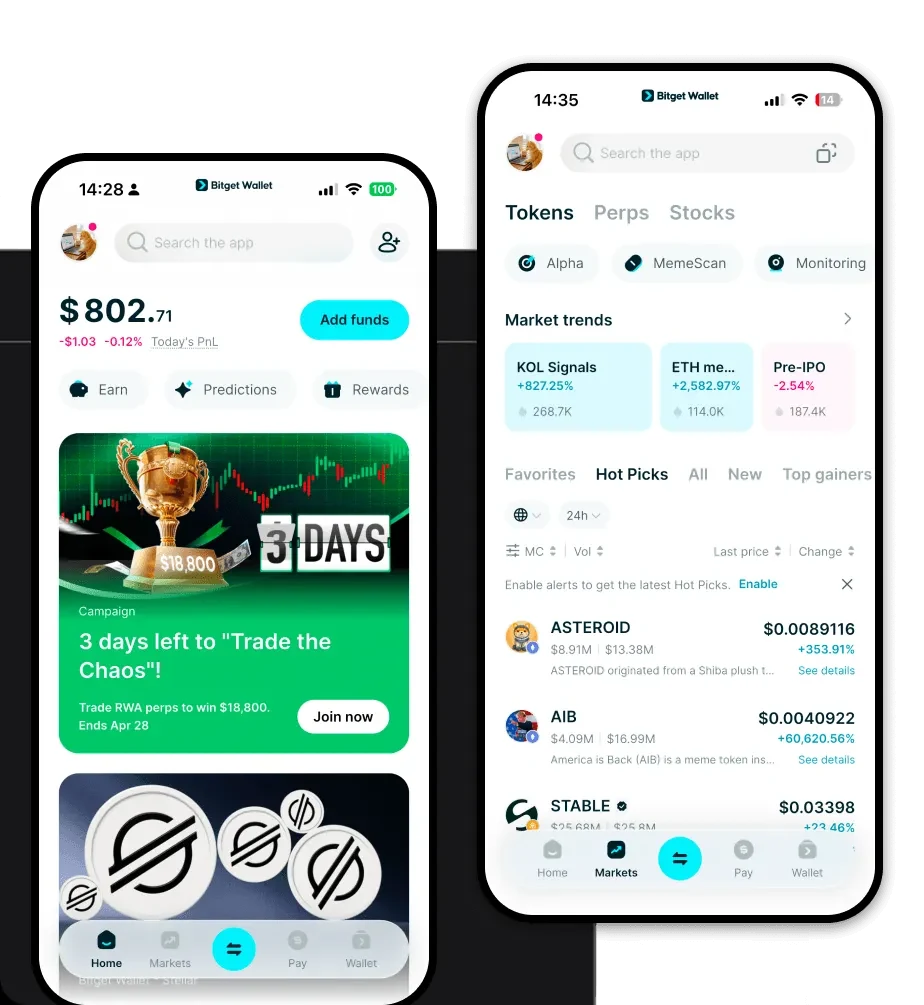
A Mr NOA wallet is a digital interface that allows you to interact with the Solana blockchain to manage your Mr NOA tokens. As Mr NOA operates on the Solana network, it requires a wallet that is fully compatible with Solana's high-performance architecture. Are you looking for a reliable and secure crypto wallet for your Mr NOA? Bitget Wallet will be your best choice. Trusted by 40 million users, you can freely explore Web3 on Bitget Wallet. Start your journey now! By using a dedicated wallet, you gain full control over your private keys, ensuring that your assets remain under your sole custody while you participate in the vibrant Solana ecosystem.
Download Bitget Mr NOA Wallet
Getting started is straightforward. You can download Bitget Wallet directly to your mobile device or browser. Whether you are using iOS, Android, or a desktop browser extension, the installation process is seamless. Bitget Wallet provides true self-custody, meaning you hold the keys, not a centralized exchange. With its comprehensive multi-chain support, you can manage your Mr NOA alongside thousands of other tokens across 130+ blockchains, all within a single, intuitive interface designed for both newcomers and advanced traders.
Why Choose Bitget Mr NOA Wallet?
Selecting the right wallet is crucial for Solana-based assets like Mr NOA. Bitget Wallet is optimized for the unique requirements of the Solana network:
- High Transaction Speed: Experience near-instant confirmation times that are essential for the fast-paced nature of Meme token trading.
- Low Latency Performance: Designed to handle high-frequency interactions, ensuring your orders and transfers are processed without delays.
- Cost-Efficiency: Leverage low transaction costs that Solana is famous for, maximizing your capital efficiency when moving or swapping Mr NOA.
- Community-Driven Integration: Seamlessly connect with the latest decentralized apps (dApps) and community platforms that power the Mr NOA ecosystem.
- Robust Security: Benefit from a $300 million protection fund, providing an extra layer of peace of mind while you explore volatile market opportunities.
How to Create a Mr NOA Wallet
- Install the App: Visit the official website or your device's app store to install the Bitget Wallet application.
- Create a New Wallet: Open the app and select 'Create Wallet'. You will be prompted to set a strong password for your device.
- Backup Your Seed Phrase: The app will generate a 12-word recovery phrase. Write this down on paper and store it offline; never share this phrase with anyone.
- Verify and Activate: Confirm your recovery phrase in the app to finalize the setup. Your wallet is now active.
- Add Mr NOA: Navigate to the token list, search for 'Mr NOA' on the Solana network, and add it to your dashboard to start viewing your balance and managing your transactions.
What Can You Do With a Mr NOA Wallet?
Once your wallet is set up, you can fully engage with your assets:
- Trading: Execute swaps for Mr NOA directly through integrated DEXs, taking advantage of the high liquidity and speed of the Solana network.
- Speculative Investment: Monitor market fluctuations in real-time and act quickly on price movements to optimize your portfolio.
- Community Participation: Use your wallet to connect to community-driven platforms and governance portals where Mr NOA holders gather.
- Holding for Long-term Potential: Safely store your tokens in a self-custodial environment, ensuring they are ready for long-term growth strategies without relying on third-party exchanges.
How Mr NOA Wallets Are Different from Other Crypto Wallets
Unlike wallets designed for Ethereum (EVM) or Bitcoin (UTXO), a wallet optimized for Mr NOA must handle the specific account-based model of Solana. While Ethereum wallets focus on gas-heavy smart contract interactions, a Solana-focused wallet like Bitget prioritizes the chain's ultra-high throughput. You will notice significantly lower fees and faster finality compared to traditional EVM wallets. Furthermore, Bitget Wallet efficiently manages Solana's unique resource requirements, ensuring that your experience remains fluid even during periods of heavy network congestion, which is common with popular Meme token surges.