




iq6900
iq6900 Wallet: Best Wallet to Store, Send & Use iq6900 (2026 Guide)
Download the best IQ6900 wallet to store, send, and use IQ6900. Learn how to create a IQ6900 wallet, access DApps, and manage your IQ6900 securely.
FAQ
Questions, answered.
Is iq6900 wallet safe?
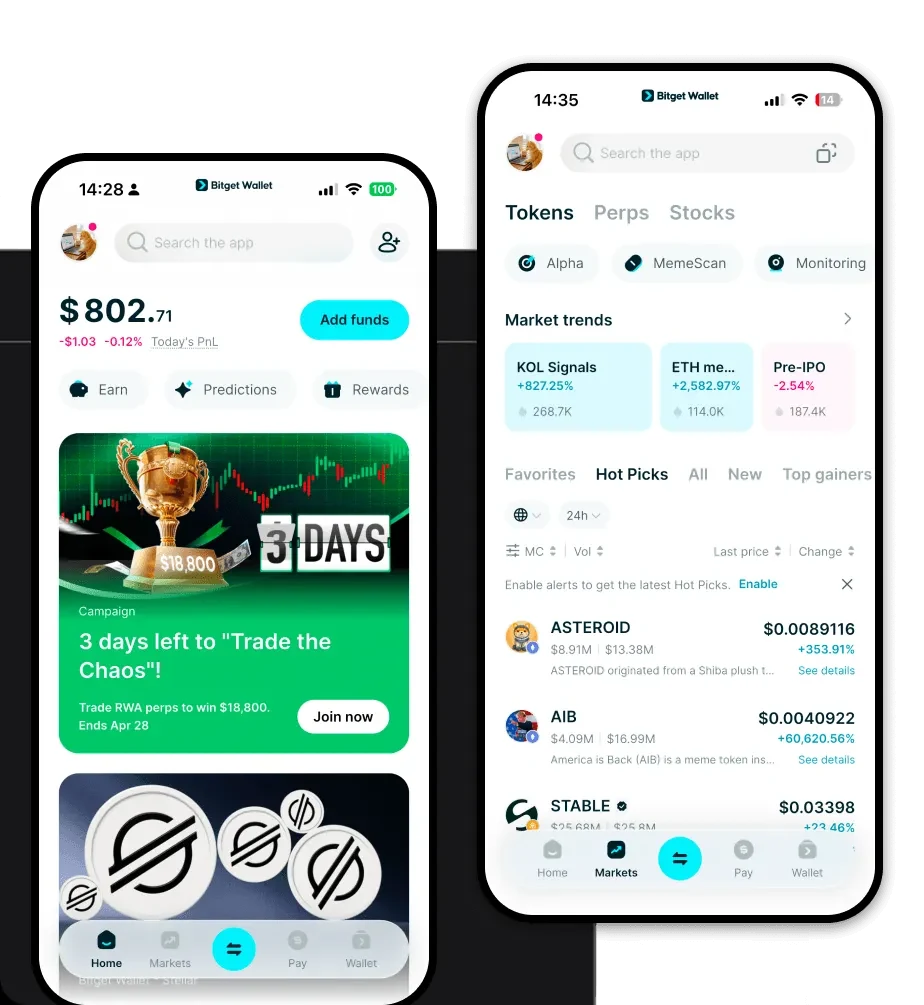
Yes, using Bitget Wallet to manage your iq6900 is highly secure. As a non-custodial wallet, you retain full control over your private keys and seed phrases, meaning your assets are never held by a third party. Additionally, Bitget Wallet incorporates a massive 300 million USD user protection fund and advanced encryption technologies to defend against unauthorized access.
How to get a iq6900 wallet address?
Once you have downloaded and set up your Bitget Wallet, simply tap on the 'Receive' button on the home screen. Search for 'SOL' or 'iq6900' to find your specific Solana address. This alphanumeric string is your public key, which you can safely share with others to receive tokens directly into your wallet.
Can I store iq6900 on Bitget Wallet?
Absolutely. Bitget Wallet supports the Solana network and a vast array of tokens, including iq6900. You can store, send, and trade iq6900 directly within the application, utilizing its built-in DEX aggregator to swap tokens efficiently.

About us
Bitget Wallet X
Products

About us
Products
Bitget Wallet X