





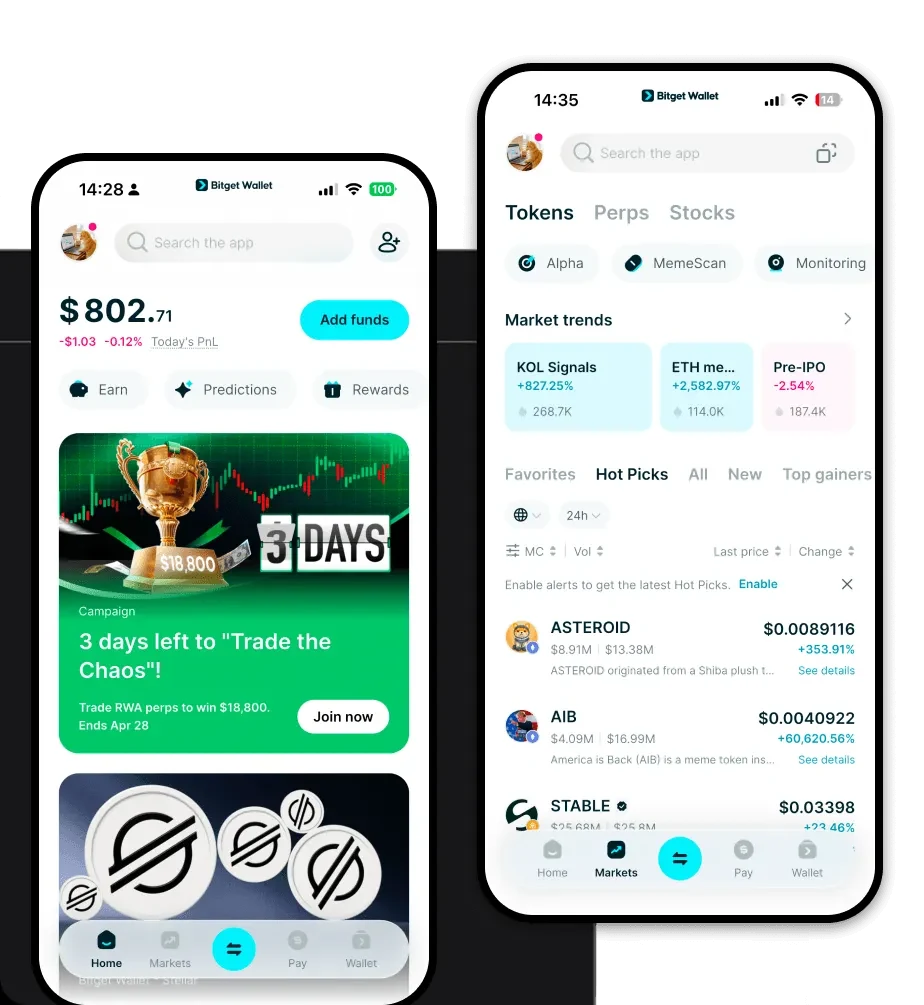
What is a GFC 2.0 Wallet?
A GFC 2.0 wallet is a specialized digital interface designed to interact with the GFC 2.0 token, a digital asset that can be securely stored and managed using the Bitget Wallet, which is trusted by over 40 million users for exploring Web3 ecosystems. As an EVM-based token, GFC 2.0 operates on the Ethereum Virtual Machine, meaning it benefits from the vast interoperability and robust infrastructure of the Ethereum ecosystem. When you use a wallet configured for GFC 2.0, you are essentially creating a secure gateway to manage your private keys and interact with decentralized applications (DApps) that support this specific asset.
Download Bitget GFC 2.0 Wallet
To start your journey with GFC 2.0, you need a reliable, non-custodial gateway. We recommend that you download Bitget Wallet to gain complete control over your digital assets. Bitget Wallet stands out by offering a comprehensive, multi-chain solution that prioritizes user sovereignty through private key self-custody. Whether you are an iOS enthusiast, an Android user, or prefer managing your portfolio on desktop via a browser extension, Bitget Wallet provides a seamless experience across all platforms. By utilizing a non-custodial approach, you ensure that you—and only you—hold the keys to your GFC 2.0 tokens, keeping your assets insulated from centralized exchange vulnerabilities.
Why Choose Bitget GFC 2.0 Wallet?
- Deep EVM Integration: Built specifically to handle EVM-compatible tokens, the wallet ensures that your GFC 2.0 transactions are executed with optimal gas fee estimation and high-speed confirmation times.
- Community-Driven Focus: As a Meme category token, GFC 2.0 thrives on social sentiment; Bitget Wallet provides the fastest access to trending DApps and community forums where you can stay ahead of the curve.
- Advanced Liquidity Access: The wallet aggregates hundreds of DEXs and cross-chain bridges, allowing you to swap into high liquidity pools for GFC 2.0 without leaving the app.
- Institutional-Grade Security: With a $300 million user protection fund, Bitget Wallet adds a layer of financial insurance on top of your self-custody, making it the safest environment for speculative assets like Meme tokens.
How to Create a GFC 2.0 Wallet
1. Install the App: Visit the official site to download the Bitget Wallet application on your mobile device or browser extension.2. Initialize Wallet: Open the app and select 'Create New Wallet' to generate a fresh seed phrase.3. Backup Secret Phrase: Carefully record your 12-24 word recovery phrase on paper and store it offline; never share this with anyone.4. Network Configuration: Since GFC 2.0 is an EVM token, ensure your wallet is set to the correct network (such as Ethereum or BNB Chain) to view your balance accurately.5. Import or Receive: Use your wallet address to receive GFC 2.0 tokens from an exchange or another wallet, and you are ready to trade.
What Can You Do With a GFC 2.0 Wallet?
Using a dedicated wallet for GFC 2.0 opens up a world of possibilities beyond simple storage:Trading: You can execute rapid swaps on decentralized exchanges directly within the wallet interface to take advantage of market volatility.Speculative Investment: Manage your portfolio of Meme tokens effectively by monitoring real-time price charts and liquidity depth for GFC 2.0.Wallet Storage: Keep your GFC 2.0 tokens in a secure, non-custodial environment where you maintain full ownership of your private keys at all times.Community Participation: Use your wallet address to connect to community-led DApps, participate in governance votes, or interact with unique Meme-based ecosystem projects.
How GFC 2.0 Wallets Are Different from Other Crypto Wallets
Choosing the right wallet for GFC 2.0 requires understanding the underlying technology. Unlike Bitcoin wallets, which rely on the UTXO (Unspent Transaction Output) model, GFC 2.0 utilizes the account-based model characteristic of the EVM. This means your wallet tracks a balance rather than a collection of transaction outputs, allowing for more complex smart contract interactions common in the Meme token space. Additionally, because GFC 2.0 exists in the EVM ecosystem, your wallet acts as a sophisticated tool for managing gas fees—the cost paid to miners for processing transactions—which fluctuate based on network congestion. While some wallets are basic storage containers, a Bitget GFC 2.0 wallet acts as a multi-functional dashboard, optimizing your interactions with smart contracts and providing the high-speed execution necessary for Meme token trading.
