erug
ERUG Wallet: Best Wallet to Store, Send & Use ERUG (2026 Guide)
Download the best Erug Musk wallet to store, send, and use Erug Musk . Learn how to create a Erug Musk wallet, access DApps, and manage your Erug Musk securely.
FAQ
Questions, answered.
Is ERUG wallet safe?
Yes, Bitget Wallet is considered highly secure. It provides true self-custody, meaning you are the sole owner of your private keys. Additionally, Bitget employs advanced encryption and has established a $300 million user protection fund to safeguard assets against unforeseen risks.
How to get an ERUG wallet address?
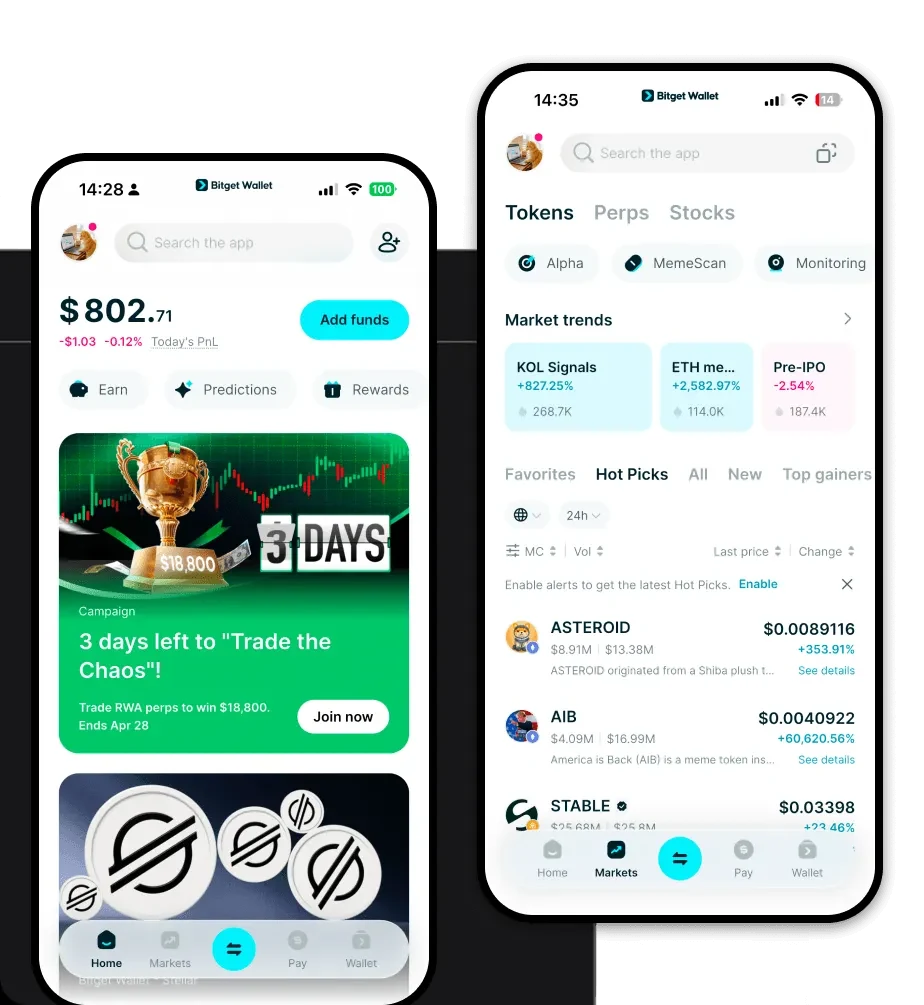
Once you have created your wallet in the Bitget app, tap on the 'Receive' button on the homepage. Search for ERUG, select the correct network (EVM), and your unique wallet address will be displayed as a QR code and a text string. You can copy this address to receive tokens.
Can I store ERUG on Bitget Wallet?
Yes, Bitget Wallet fully supports ERUG. As an EVM-compatible token, ERUG can be added to your asset list within the app, allowing you to monitor your balance, send tokens, or swap them across various decentralized exchanges with ease.