deportify
Deportify Wallet: Best Wallet to Store, Send & Use Deportify (2026 Guide)
Download the best Deportification wallet to store, send, and use Deportification. Learn how to create a Deportification wallet, access DApps, and manage your Deportification securely.
FAQ
Questions, answered.
Is Deportify wallet safe?
Yes, Bitget Wallet is highly secure. It is a non-custodial wallet, meaning you have complete control over your private keys. Additionally, Bitget employs advanced encryption standards and maintains a 300 million USD user protection fund to safeguard against potential security threats, ensuring your assets remain protected.
How to get a Deportify wallet address?
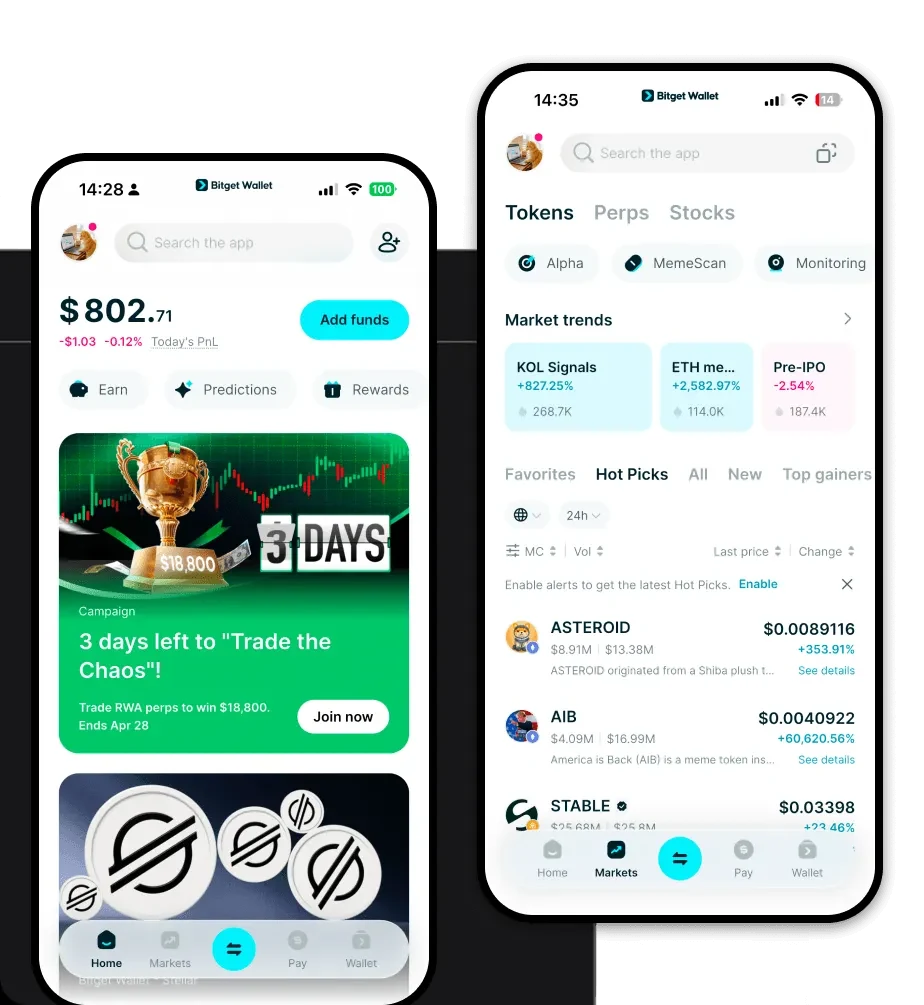
To get your Deportify wallet address, open your Bitget Wallet app after setup. Tap on the 'Assets' or 'Wallet' tab, search for 'Deportify' in the token list, and tap on it. Select 'Receive,' and you will see your unique wallet address. You can copy this address or scan the QR code to receive tokens.
Can I store Deportify on Bitget Wallet?
Yes, you can store Deportify on Bitget Wallet. As an EVM-compatible wallet supporting over 130 mainnets, Bitget Wallet is fully equipped to hold, send, and receive Deportify, providing a seamless experience for managing your tokens alongside your other crypto assets.