buzzer
buzzer Wallet: Best Wallet to Store, Send & Use buzzer (2026 Guide)
Download the best Buzzer wallet to store, send, and use Buzzer. Learn how to create a Buzzer wallet, access DApps, and manage your Buzzer securely.
FAQ
Questions, answered.
Is buzzer wallet safe?
Yes, using a non-custodial wallet like Bitget for your buzzer tokens is secure as long as you maintain control of your private keys and seed phrase. Bitget Wallet enhances this security with a 300 million USD user protection fund and advanced encryption, ensuring that your assets are protected against common vulnerabilities while you engage with the EVM ecosystem.
How to get a buzzer wallet address?
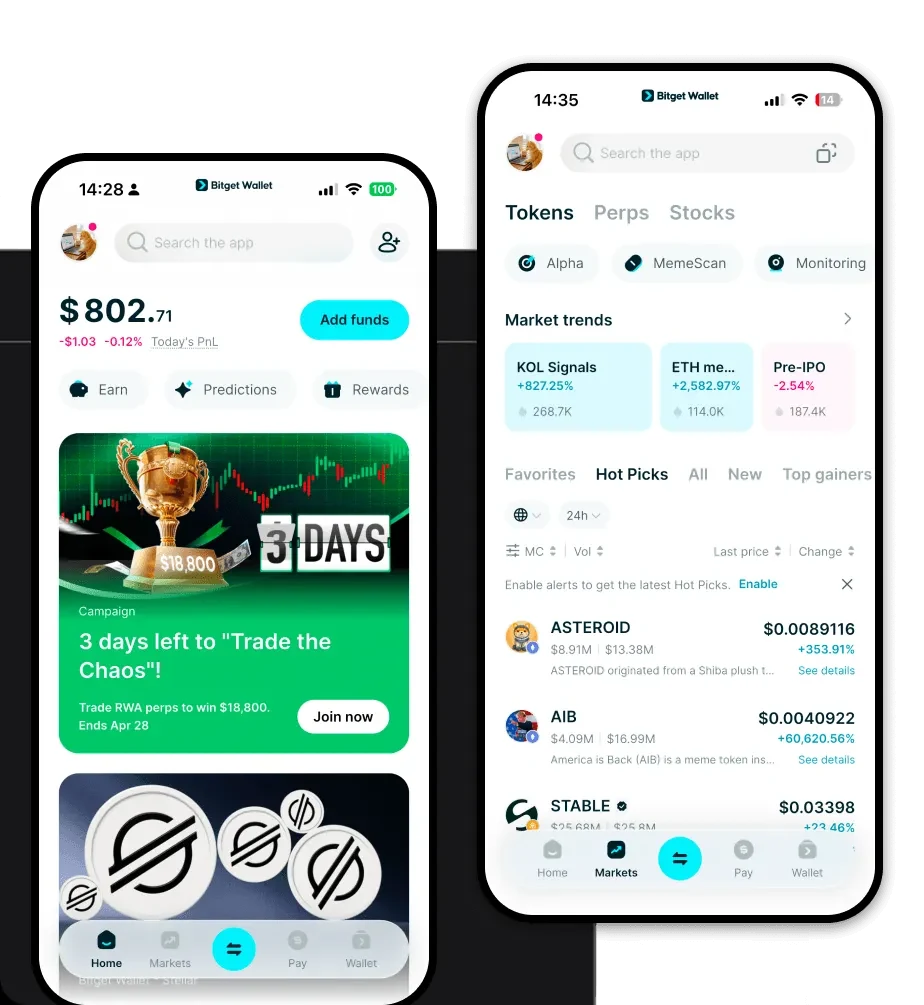
Once you have set up your Bitget Wallet, your wallet address is automatically generated. You can find it by clicking on the 'Receive' button or tapping your account name at the top of the app interface. Since buzzer is an EVM token, your buzzer wallet address will be the same as your Ethereum/EVM address.
Can I store buzzer on Bitget Wallet?
Yes, you can store buzzer on Bitget Wallet. As an EVM-compatible wallet, Bitget supports millions of tokens. Once you have created your wallet, you can easily add buzzer by using the token's contract address in the 'Manage Tokens' menu, allowing you to view, send, and receive your tokens securely.