Download now
Download now




aleph
Aleph Wallet: Best Wallet to Store, Send & Use Aleph (2026 Guide)
Download the best aleph wallet to store, send, and use aleph. Learn how to create a aleph wallet, access DApps, and manage your aleph securely.
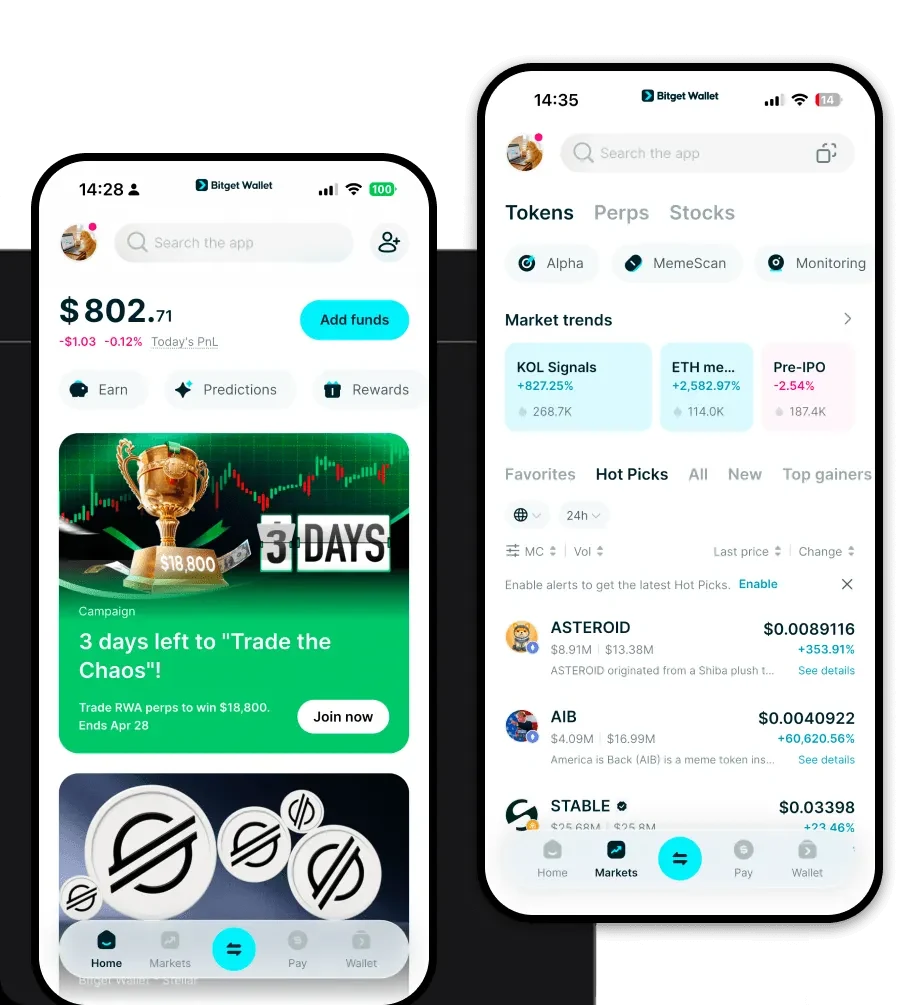
FAQ
Questions, answered.
Is aleph wallet safe?
Yes. Bitget Wallet prioritizes security by providing non-custodial storage, meaning you hold your own private keys. Additionally, Bitget maintains a 300 million USD user protection fund to safeguard assets against unforeseen platform risks.
How to get a aleph wallet address?
To get your aleph wallet address, download and install the Bitget Wallet app. After creating your wallet and backing up your recovery phrase, search for 'ALEPH' in the asset list to enable it. Once enabled, click on the token to see your unique wallet address for receiving funds.
Can I store aleph on Bitget Wallet?
Yes, Bitget Wallet fully supports ALEPH. You can safely store, send, receive, and interact with the Aleph.im network directly through the Bitget interface, making it a comprehensive solution for your infrastructure token management.

About us
Bitget Wallet X
Products

About us
Products
Bitget Wallet X