gino
GINO Wallet: Best Wallet to Store, Send & Use GINO (2026 Guide)
下载最佳 WWE NEW MASCOT 钱包,存储、发送和使用 WWE NEW MASCOT。学习如何创建 WWE NEW MASCOT 钱包、访问 DApp,并安全管理您的 WWE NEW MASCOT 资产
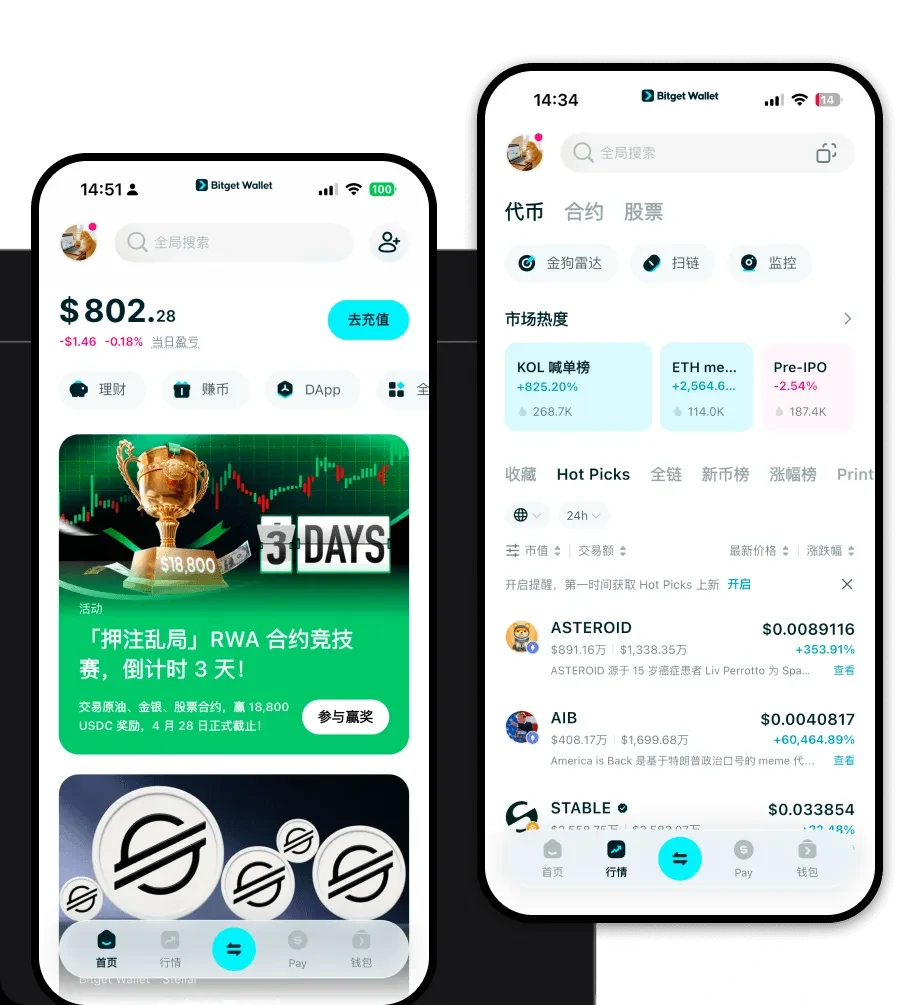
常见问题
常见问答
Is GINO wallet safe?
Yes, using a non-custodial wallet like Bitget Wallet for GINO is highly secure. You retain full control over your private keys, meaning no central authority can access your funds. Additionally, Bitget Wallet incorporates a $300 million user protection fund and advanced encryption to guard against threats.
How to get a GINO wallet address?
Once you have created your wallet in the Bitget app, navigate to the main asset screen. Search for 'GINO' in the token list. Tap on it, and select 'Receive.' The app will display your unique GINO wallet address, which you can copy or share to receive tokens.
Can I store GINO on Bitget Wallet?
Yes, absolutely. Bitget Wallet is fully compatible with the EVM ecosystem, which is where GINO operates. You can store, send, and receive GINO tokens seamlessly within the wallet interface.