What is an Emon Wallet?
An Emon wallet is a digital interface that allows you to interact with the Emon token, a digital asset deeply integrated into the Emon ecosystem. Because Emon operates on the EVM (Ethereum Virtual Machine) blockchain, it requires a wallet that is compatible with Ethereum-based standards, ensuring seamless interaction with smart contracts and decentralized applications. Emon is a digital asset often associated with the Emon ecosystem. Bitget Wallet provides a reliable and secure platform for managing Emon, allowing users to explore Web3 features, store, and transact with the token securely. By using a specialized wallet, you gain full control over your private keys, ensuring that you—and only you—have custody over your digital assets.
Download Bitget Emon Wallet
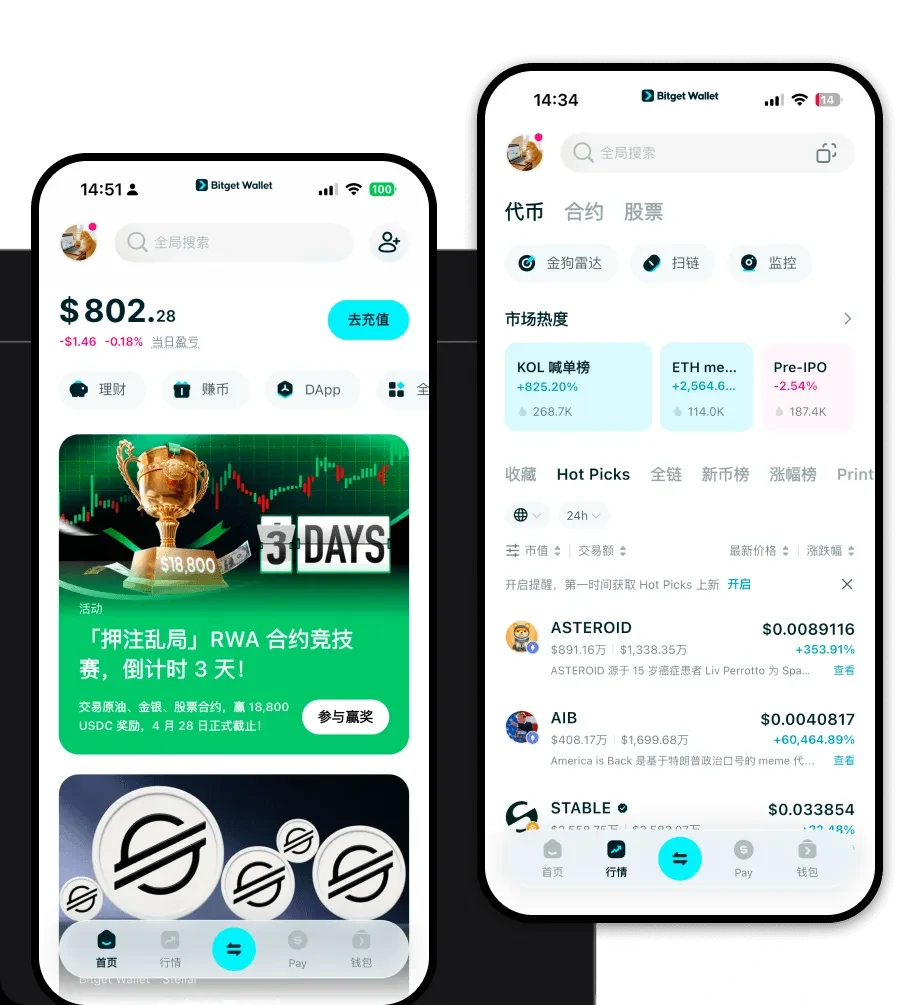
Getting started with your digital journey requires a tool that is both robust and user-friendly. To begin, you can download Bitget Wallet to access your assets across iOS, Android, or as a browser extension. Unlike centralized exchanges where a third party manages your funds, Bitget Wallet prioritizes self-custody, giving you complete ownership of your private keys and seed phrases. With support for over 130 public chains, it acts as a gateway to the broader crypto landscape, allowing you to manage not just Emon, but an entire portfolio of diverse assets in one unified interface. Whether you are a beginner or a veteran, the setup process is streamlined to ensure you can start interacting with the blockchain in minutes.
Why Choose Bitget Emon Wallet?
When dealing with a community-driven meme token like Emon, the right infrastructure makes all the difference. Here is why Bitget Wallet stands out for Emon holders:
- Native EVM Compatibility: Bitget Wallet is built to handle EVM-based assets natively, meaning you experience fewer transaction errors and faster syncing when interacting with Emon smart contracts.
- High Liquidity Accessibility: Through its integrated DEX aggregator, Bitget Wallet automatically scans hundreds of decentralized exchanges to ensure you get the best market rates when trading Emon.
- Community-Driven Support: The wallet is designed to keep pace with the fast-moving meme coin sector, offering real-time updates and simplified DApp browsing for community-led projects.
- Advanced Security Protocols: With a $300 million user protection fund and sophisticated MPC (Multi-Party Computation) technology, your Emon holdings are shielded against common vulnerabilities.
- Decentralized Trading: Execute trades directly from your wallet without the need for custodial intermediaries, maintaining your anonymity and security throughout the process.
How to Create an Emon Wallet
Setting up your wallet is a straightforward process designed to prioritize your security. Follow these five steps to get started:
- Download and Install: Visit the official Bitget Wallet website to download the application for your specific device (iOS, Android, or browser extension).
- Create a New Wallet: Open the app and select the 'Create Wallet' option. You will be prompted to set a strong password for local access.
- Backup Your Seed Phrase: The app will generate a 12-word recovery phrase. Write this down on paper and store it offline; this is the master key to your Emon assets.
- Verify Your Phrase: Confirm the recovery phrase in the correct order to ensure you have backed it up accurately.
- Add Emon to Your Dashboard: Once your wallet is active, use the 'Add Token' function, paste the Emon contract address, and your balance will appear once you receive tokens.
What Can You Do With an Emon Wallet?
Owning Emon is more than just holding a balance; it is about participating in the ecosystem. Here is how you can utilize your Bitget Wallet:
- Trading: Use the built-in swap feature to instantly exchange Emon for other tokens or stablecoins without leaving the application.
- Holding for Long-Term Appreciation: Secure your Emon in a non-custodial environment, protecting your investment from exchange-related risks while waiting for future market movements.
- Portfolio Diversification: Manage Emon alongside a wide variety of other assets, allowing you to balance your risk and exposure across different sectors of the crypto market.
- Cross-Chain Asset Management: Effortlessly bridge your assets between different chains, ensuring that your Emon-related activities are not limited by the constraints of a single network.
How Emon Wallets Are Different from Other Crypto Wallets
Choosing the right wallet for an EVM-based token like Emon involves understanding the underlying architecture. While some wallets are designed for Bitcoin's UTXO (Unspent Transaction Output) model, Bitget Wallet is optimized for the Account-based model used by EVM chains. This means it handles smart contract interactions and gas fee calculations much more efficiently than legacy wallets. Furthermore, while basic wallets might struggle with high-frequency meme coin trading, Bitget Wallet offers high-speed transaction broadcasting and smart gas estimation, ensuring your trades go through during periods of high network congestion. By providing a dedicated DApp browser and deep liquidity aggregation, it transforms your wallet from a simple storage locker into a powerful trading command center.