




What is a Gwardo Wallet?
A Gwardo wallet is a digital interface that allows you to interact with your Gwardo tokens on the Solana blockchain. Because Gwardo operates natively on the Solana network, your wallet acts as your personal gateway to holding, sending, and receiving these assets. It is not merely a storage space; it is a secure portal that interacts directly with the blockchain ledger to verify your ownership.
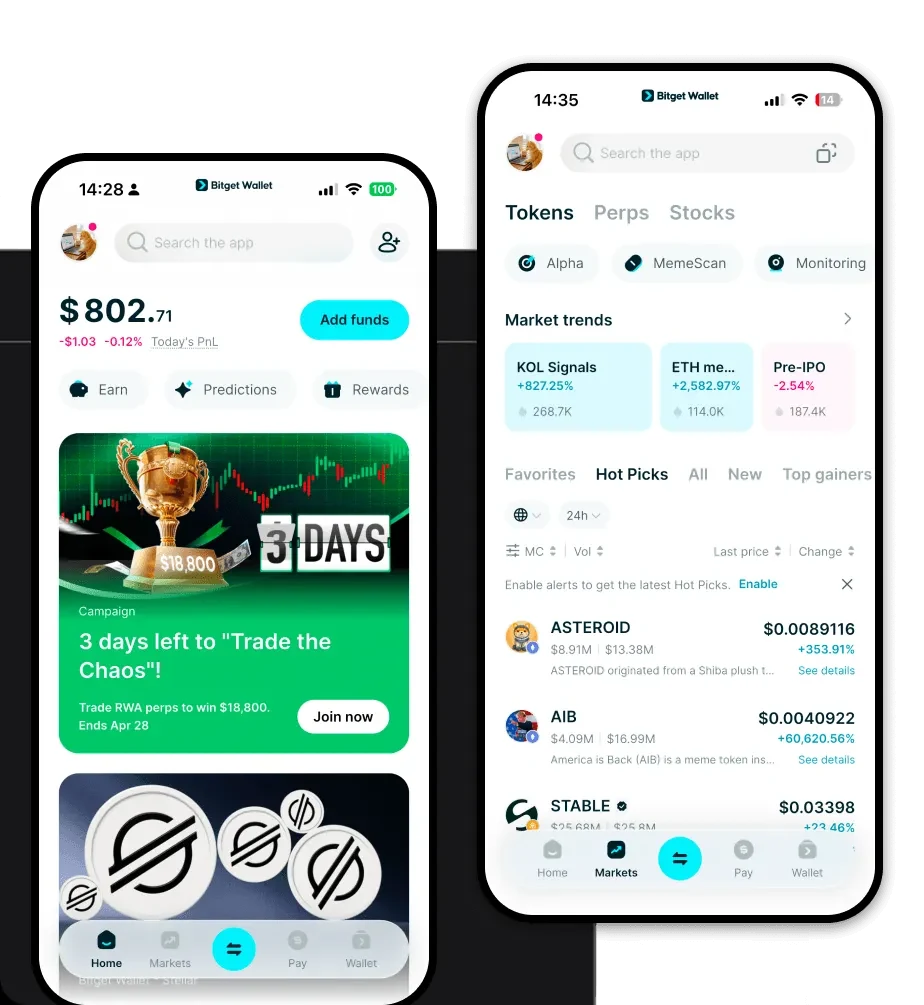
Gwardo is a crypto asset supported by Bitget Wallet, a platform trusted by 40 million users for secure storage and Web3 exploration. It allows users to manage their digital assets reliably within the Bitget Wallet ecosystem.
Download Bitget Gwardo Wallet
To fully experience the potential of Gwardo, you need a robust, user-friendly interface that prioritizes both security and speed. Bitget Wallet offers a comprehensive solution for managing your Solana-based assets.
Whether you are using a mobile device or a desktop, Bitget Wallet provides a seamless experience through its iOS app, Android app, and browser extension. It features full self-custody, ensuring that you—and only you—have control over your private keys. With support for over 130 blockchains, it is the ultimate tool for managing a diversified portfolio alongside your Gwardo holdings. To get started, you can download Bitget Wallet and create your gateway to the Web3 world.
Why Choose Bitget Gwardo Wallet?
Selecting the right wallet for a meme-category token on the Solana network requires specific features that optimize your trading experience. Here is why Bitget Wallet stands out for Gwardo holders:
- Optimized for Solana Speed: Bitget Wallet is engineered to handle the high transaction throughput of the Solana network, ensuring your Gwardo trades are processed almost instantly.
- Minimized Transaction Costs: Benefit from the inherent low-fee structure of Solana, amplified by Bitget Wallet’s efficient transaction routing which helps you keep more of your assets.
- Robust Security Architecture: With a $300 million user protection fund and advanced encryption standards, your Gwardo tokens are shielded from malicious threats and unauthorized access.
- Integrated Meme Ecosystem: Bitget Wallet provides direct access to trending meme markets and decentralized liquidity pools, making it easier to track and trade assets like Gwardo within a single interface.
- Seamless Cross-Chain Capability: If you need to move assets between Solana and other chains, Bitget’s built-in cross-chain bridges handle the complexity for you, maintaining liquidity throughout the process.
How to Create a Gwardo Wallet
Setting up your wallet is a straightforward process designed to get you ready to manage Gwardo in minutes.
- Download and Install: Visit the official website to download Bitget Wallet for your preferred platform (mobile or browser extension).
- Create a New Wallet: Open the app and select 'Create Wallet.' Ensure you are in a private environment where no one can see your screen.
- Backup Your Seed Phrase: The app will generate a 12-word recovery phrase. Write this down on paper and store it in a secure, offline location. Never share this with anyone.
- Set Your Password: Create a strong, unique password to add an extra layer of biometric or PIN protection to your device.
- Add Gwardo to Your Dashboard: Once your wallet is set up, search for 'Gwardo' in the token list and toggle it on. Your unique Gwardo wallet address will then appear, ready for use.
What Can You Do With a Gwardo Wallet?
Owning Gwardo in your Bitget Wallet opens up a variety of possibilities within the Solana ecosystem. Here is how you can utilize your assets:
- Speculative Trading: Use the integrated DEX browser within Bitget Wallet to engage in speculative trading of Gwardo, taking advantage of real-time market fluctuations.
- Holding for Community Participation: Keep your tokens secure in your wallet to remain eligible for community-driven initiatives, governance votes, or exclusive events associated with the Gwardo ecosystem.
- Providing Liquidity in DEXs: Leverage your Gwardo holdings by depositing them into decentralized exchange liquidity pools, helping to facilitate trades for others while potentially earning rewards.
- Transferring Assets Across Wallets: Easily move your Gwardo tokens between personal wallets or to hardware storage devices using Bitget Wallet’s intuitive transfer interface, which supports Solana's high-speed network.
How Gwardo Wallets Are Different from Other Crypto Wallets
Not all wallets are created equal, especially when handling tokens on specific blockchains like Solana. Unlike wallets built primarily for the Ethereum (EVM) ecosystem, which focus on gas-heavy smart contract interactions, a Solana-focused wallet like Bitget is designed for high-performance throughput.
While EVM wallets often struggle with congestion and high fees during peak times, the Solana-native architecture of Bitget Wallet ensures that Gwardo transactions remain fast and incredibly cheap. Furthermore, unlike legacy wallets that may require complex manual configuration for different tokens, Bitget Wallet automatically syncs with the Solana ecosystem, ensuring that your token balances and NFT metadata are always accurate and displayed correctly without the need for manual network switching.
