




redcross
redcross Wallet: Best Wallet to Store, Send & Use redcross (2026 Guide)
下載最佳 Justice For Red Cross 錢包,儲存、發送和使用 Justice For Red Cross 。學習如何建立 Justice For Red Cross 錢包、存取 DApp,並安全地管理您的 Justice For Red Cross 資產
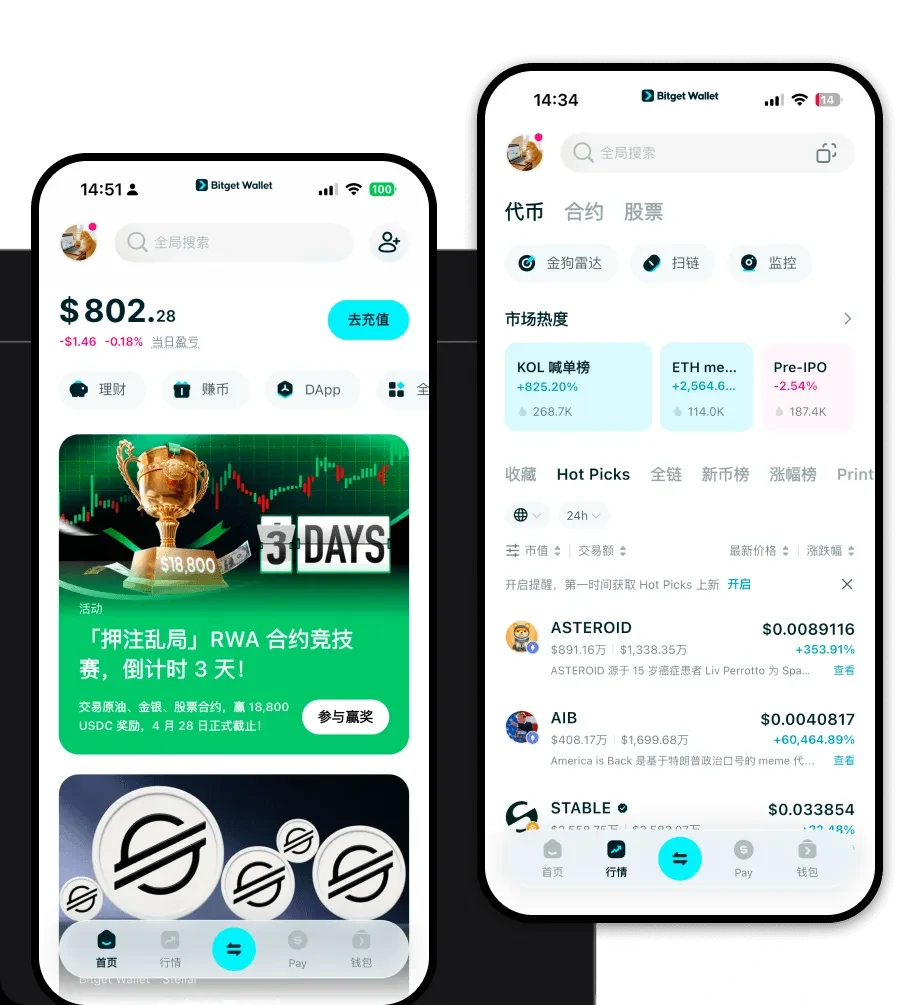
常見問題
常見問答
Is redcross wallet safe?
Yes, using Bitget Wallet to store your redcross tokens is highly secure. Bitget employs multi-layer security protocols, including private key encryption and a 300 million USD protection fund. Because it is a non-custodial wallet, you retain total control over your private keys, meaning no third party can access your funds.
How to get a redcross wallet address?
To get your redcross wallet address, simply download Bitget Wallet, create your account, and navigate to the asset list. Find 'redcross' or click 'Receive' and select the corresponding EVM network. The alphanumeric string displayed is your public address, which you can use to receive tokens.
Can I store redcross on Bitget Wallet?
Yes, you can store redcross on Bitget Wallet. Since redcross is an EVM-compatible token, Bitget Wallet fully supports it. You can easily add the token to your wallet by using its contract address, allowing you to manage, track, and trade your redcross holdings seamlessly.

Bitget Wallet X
Products

Products
Bitget Wallet X