




ibtihal
ibtihal Wallet: Best Wallet to Store, Send & Use ibtihal (2026 Guide)
下載最佳 Support IBTIHAL VS Microsoft 錢包,儲存、發送和使用 Support IBTIHAL VS Microsoft。學習如何建立 Support IBTIHAL VS Microsoft 錢包、存取 DApp,並安全地管理您的 Support IBTIHAL VS Microsoft 資產
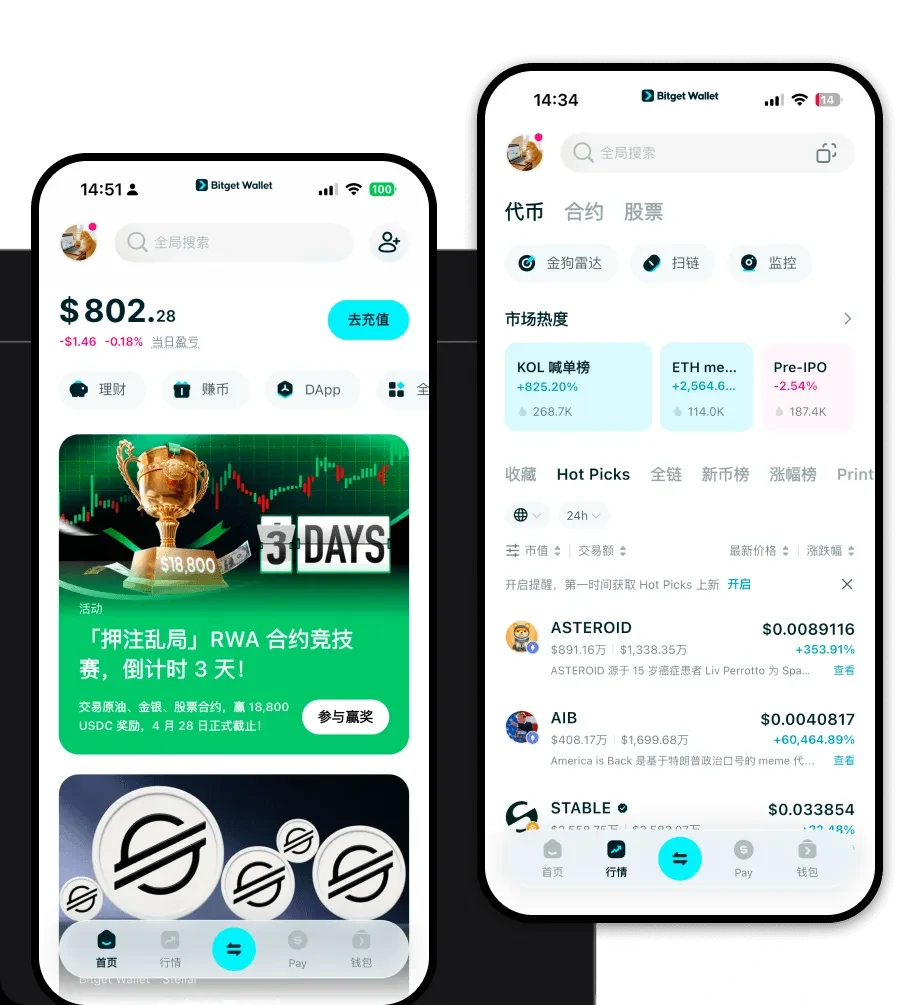
常見問題
常見問答
Is ibtihal wallet safe?
Yes, it is highly secure. When you use Bitget Wallet, you are in full control of your private keys. The wallet is non-custodial, meaning your assets are stored on the blockchain, not on a central server. Additionally, Bitget provides a $300 million user protection fund to mitigate risks, and the app includes advanced security features like biometric authentication and transaction risk scanning.
How to get an ibtihal wallet address?
To get your ibtihal wallet address, open your Bitget Wallet app. On the main dashboard, select the 'Receive' button. You will see a list of supported chains and tokens. Since IBTIHAL is an EVM-based token, you can select the corresponding EVM network, and the app will display your unique public wallet address. You can then copy this address to share with others or use it to receive tokens from an exchange.
Can I store ibtihal on Bitget Wallet?
Yes, absolutely. Bitget Wallet is fully compatible with the EVM ecosystem, making it an excellent choice for storing IBTIHAL. You can hold, track, and manage your tokens directly within the application. If the token is not visible by default, you can easily add it using the contract address, and it will be ready for use immediately.

Bitget Wallet X
Products

Products
Bitget Wallet X