
立即下載
立即下載




emt
EMT Wallet: Best Wallet to Store, Send & Use EMT (2026 Guide)
下載最佳 Elon Musk Takeover 錢包,儲存、發送和使用 Elon Musk Takeover。學習如何建立 Elon Musk Takeover 錢包、存取 DApp,並安全地管理您的 Elon Musk Takeover 資產
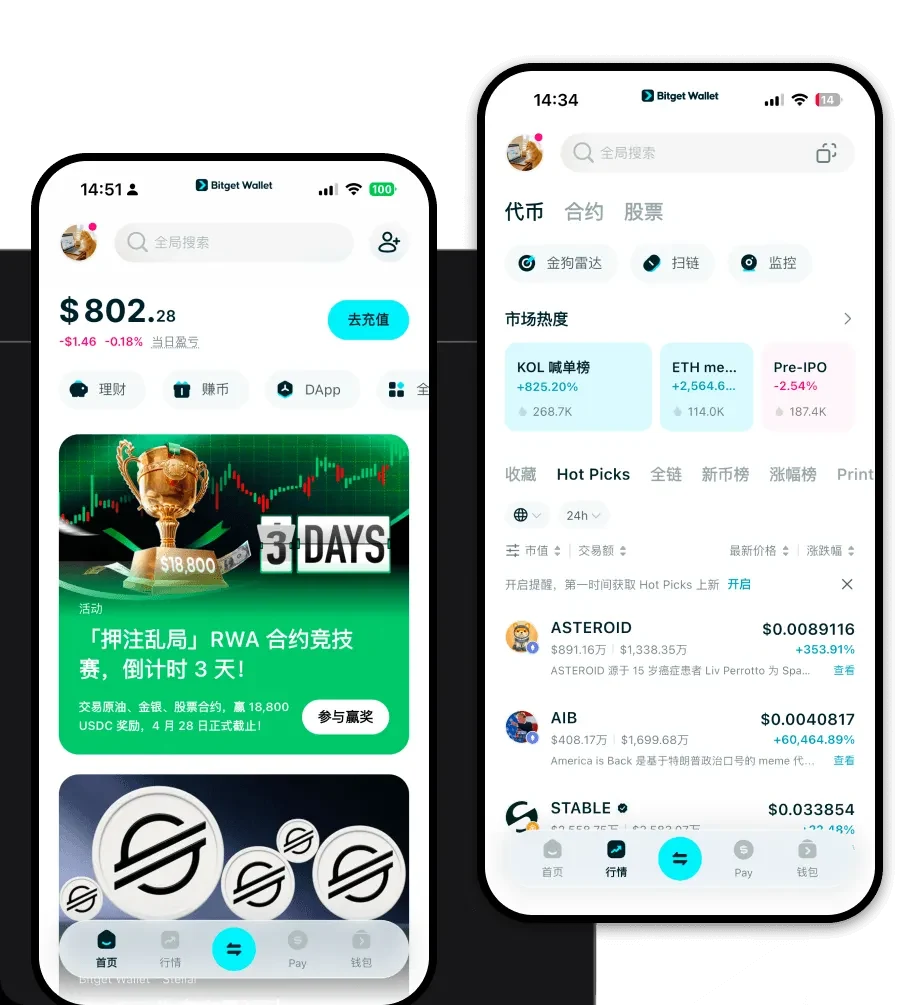
常見問題
常見問答
Is EMT wallet safe?
Yes, using Bitget Wallet for your EMT is highly secure. It is a non-custodial wallet, meaning you hold your own private keys, and no third party has access to your funds. Additionally, Bitget provides a $300 million user protection fund to further safeguard your assets against unforeseen security risks.
How to get an EMT wallet address?
Once you have created your wallet in the Bitget app, tap on the 'Receive' button on the main dashboard. Search for 'EMT' or select your EVM-compatible chain address. The app will display your unique EMT wallet address as both a QR code and an alphanumeric string that you can copy and share.
Can I store EMT on Bitget Wallet?
Yes, you can store EMT on Bitget Wallet. Since the wallet is fully EVM-compatible, it natively supports the storage, sending, and receiving of EMT. You simply need to add the token to your asset list within the wallet interface to view your balance.
Bitget Wallet X
Products

Products
Bitget Wallet X