





What is a Pasta Musk Wallet?
Pasta Musk is a community-driven cryptocurrency. For secure storage and management, users can utilize wallets like Bitget Wallet to explore its ecosystem and participate in Web3 activities. Because Pasta Musk operates on the EVM (Ethereum Virtual Machine) chain, it functions within a robust, decentralized ecosystem that requires a wallet capable of handling smart contracts and standard token protocols. A Pasta Musk wallet acts as your personal interface to the blockchain, allowing you to hold, send, and interact with the token directly without relying on centralized exchanges.
Download Bitget Pasta Musk Wallet
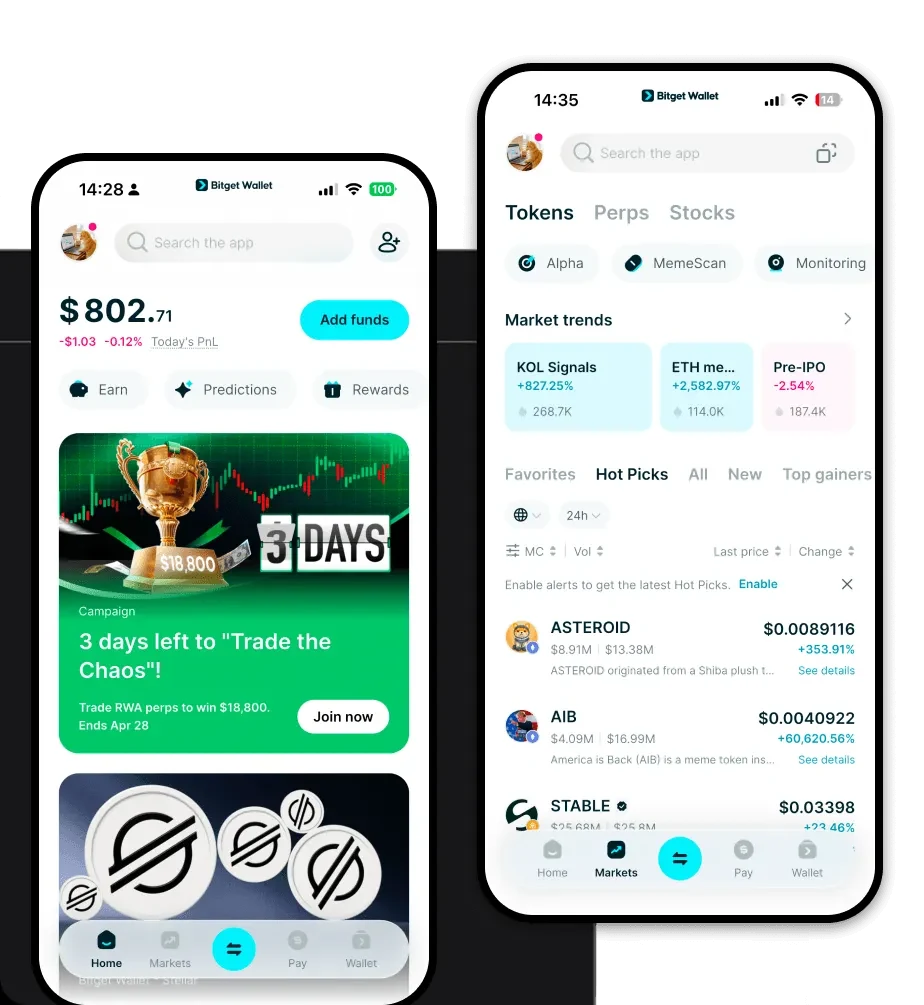
To safely manage your assets, you need a tool that balances security with accessibility. Bitget Wallet stands out as a premier choice for Pasta Musk holders. It offers a self-custodial architecture, meaning you—and only you—hold the private keys to your funds, ensuring true ownership. Whether you are on the go with your mobile device or prefer desktop management, Bitget Wallet is available as an iOS app, an Android app, and a browser extension. With native support for over 130 blockchains, it seamlessly integrates with the EVM ecosystem where Pasta Musk thrives. You can download Bitget Wallet today to start your secure Web3 journey.
Why Choose Bitget Pasta Musk Wallet?
- EVM Ecosystem Integration: Bitget Wallet is built for the EVM environment, ensuring that your Pasta Musk transactions are processed with full compatibility and optimal gas fee management.
- Advanced Security Infrastructure: With a $300 million user protection fund and multi-layer encryption, Bitget Wallet provides institutional-grade security for your meme coin holdings.
- Seamless Decentralized Trading: The wallet features a built-in DEX aggregator, allowing you to swap Pasta Musk for other assets with the best available liquidity and minimal slippage.
- User-Friendly Interface: Designed for both beginners and veterans, the wallet simplifies complex Web3 activities, making it easy to track market volatility and manage your portfolio.
- Community-Centric Features: Stay connected to the viral social media trends surrounding Pasta Musk with an integrated DApp browser that gives you immediate access to community platforms.
How to Create a Pasta Musk Wallet
Setting up your wallet to support Pasta Musk is a straightforward process designed to prioritize your security:
- Installation: Visit the official website and download the Bitget Wallet application for your preferred device (iOS, Android, or browser extension).
- Wallet Initialization: Open the app and select 'Create a Wallet' to generate a new account.
- Backup Your Seed Phrase: You will be given a 12-word recovery phrase. Write this down on paper and store it in a secure, offline location; never share this with anyone.
- Verify and Secure: Follow the on-screen prompts to verify your recovery phrase and set a strong, unique passcode for your wallet.
- Import/Add Token: Once your wallet is active, use the 'Add Token' feature and paste the Pasta Musk contract address to ensure your balance is visible and ready for transactions.
What Can You Do With a Pasta Musk Wallet?
Using a dedicated wallet like Bitget Wallet unlocks the full potential of your tokens:
- Speculative Trading: You can actively trade Pasta Musk on decentralized exchanges, capitalizing on market shifts directly from your wallet interface.
- Community Engagement: Connect your wallet to community-driven DApps to participate in voting, governance, or exclusive events tailored for Pasta Musk holders.
- Holding for Long-term Speculation: Use the secure cold-storage capability of the wallet to safely HODL your tokens while waiting for future market developments.
- Providing Liquidity on DEXs: By connecting to decentralized liquidity pools, you can stake your Pasta Musk to earn rewards, contributing to the health of the token's ecosystem.
How Pasta Musk Wallets Are Different from Other Crypto Wallets
Unlike wallets designed for non-EVM chains (like Bitcoin or Solana), a Pasta Musk wallet must be specifically optimized for the Ethereum Virtual Machine (EVM). While Bitcoin wallets focus on UTXO-based security and Solana wallets prioritize high-throughput performance with specific resource models, an EVM-compatible wallet like Bitget is designed to handle smart contract interactions and token standards like ERC-20. This means your Pasta Musk wallet is optimized for gas efficiency during high-congestion periods, allowing you to adjust transaction fees to ensure your trades are prioritized by the network when volatility spikes.
