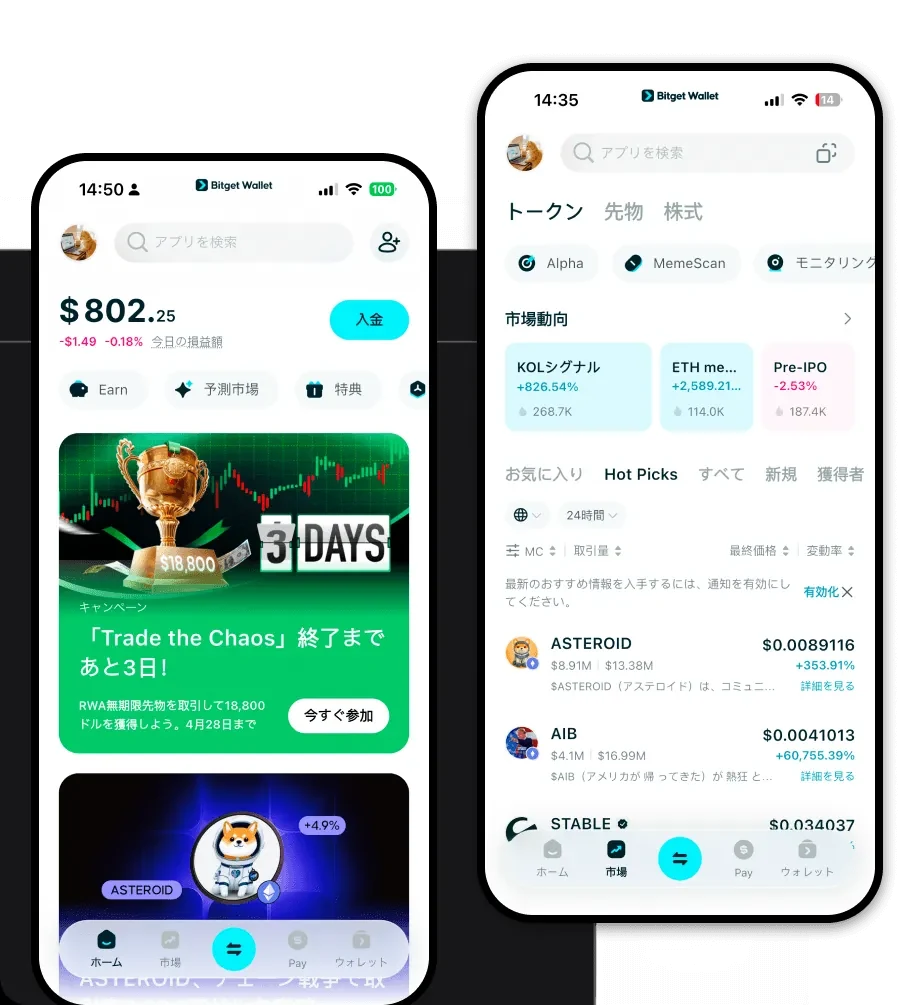
1. What is a Rockstar Wallet? As the popularity of the Rockstar token grows, finding the right tool to manage your assets is essential. The Rockstar token is an experimental community-driven meme asset built on the EVM (Ethereum Virtual Machine) blockchain. Its origins are linked to the public discourse surrounding Rockstar Games and its co-founder Sam Houser regarding the anticipation of '$VI.' Unlike traditional utility tokens, Rockstar is positioned as a derivative experimental community token, leveraging the cultural impact of a well-known game IP. The project emphasizes security, transparency, and community-driven governance, aiming to integrate in-game ecosystem concepts with digital asset management. For holders, the core value lies in the potential for long-term on-chain interaction and value sharing among GTA players and creators. Because it operates on the EVM, the token requires a wallet that supports Ethereum-based smart contracts, allowing for easy integration with decentralized applications and exchanges. 2. Download Bitget Rockstar Wallet To effectively manage your tokens, you need a reliable, secure, and user-friendly application. We recommend that you 'download Bitget Wallet' (https://web3.bitget.com/zh-CN/wallet-download) to get started. Bitget Wallet is widely considered the best wallet for Rockstar because it offers a seamless experience across iOS, Android, and browser extension platforms. Unlike centralized exchanges, Bitget Wallet provides true self-custody, meaning you retain full control over your private keys. It supports over 130 public chains, ensuring that you can manage your Rockstar token alongside various other assets in a single, unified interface. Whether you are a beginner or a power user, the app ensures that your interaction with the EVM ecosystem is intuitive and protected. 3. Why Choose Bitget Rockstar Wallet? Selecting the right wallet is critical for managing meme assets like Rockstar. Bitget Wallet stands out for several key reasons tailored to the EVM ecosystem: - Advanced EVM Compatibility: Bitget Wallet is natively designed to interact with EVM-based contracts, ensuring you can easily add, track, and transact your Rockstar tokens without technical friction. - Robust Security Architecture: With a 300 million USD user protection fund, Bitget Wallet provides a safety net that is rare in the decentralized wallet space, adding a layer of security for your speculative holdings. - Integrated DEX Aggregation: You can trade your Rockstar tokens directly within the app. By aggregating hundreds of DEXs and cross-chain bridges, the wallet ensures you always get the best liquidity and minimal slippage for your trades. - Transparent Governance Support: Since Rockstar relies on community-driven governance, Bitget Wallet provides the infrastructure to interact with voting protocols and community proposals directly. - Gas Fee Optimization: The wallet features smart gas fee estimation, helping you navigate the sometimes volatile costs associated with the Ethereum and EVM-compatible networks. 4. How to Create a Rockstar Wallet Setting up your wallet is a straightforward process that takes only a few minutes. Follow these steps to secure your Rockstar wallet address: 1. Install the App: Visit the official website to 'download Bitget Wallet' and install the application on your preferred device. 2. Create a New Wallet: Open the app and select 'Create a New Wallet.' Set a strong password and ensure you back up your seed phrase immediately. 3. Secure Your Recovery Phrase: Write down your recovery phrase on physical paper and store it in a safe place. Never share this with anyone. 4. Add the Token: Since Rockstar is an EVM-based token, you may need to import the contract address manually if it does not appear automatically. Use the 'Add Token' feature and paste the official Rockstar contract address. 5. Start Transacting: Once the token is visible in your dashboard, you are ready to send, receive, or trade your assets. 5. What Can You Do With a Rockstar Wallet? Owning a Rockstar token is more than just holding a number in a wallet; it is about participating in an ecosystem. Here is how you can utilize your wallet: - Trading on decentralized exchanges: You can swap your Rockstar tokens for other assets directly through the Bitget Wallet interface, utilizing the built-in DEX aggregator to find the best rates. - Community participation: Use your wallet to connect to community governance platforms where you can vote on initiatives or participate in discussions regarding the future of the token. - Speculative asset holding: Securely store your tokens in a self-custodial environment while waiting for market movements, enjoying peace of mind provided by the wallet's security fund. - Ecosystem value sharing: Engage in on-chain interactions that contribute to the long-term value sharing model, specifically designed for those who appreciate the intersection of gaming culture and blockchain technology. 6. How Rockstar Wallets Are Different from Other Crypto Wallets When managing Rockstar tokens, the distinction between wallet types is significant. Because Rockstar operates on the EVM, your wallet must be designed to handle the complexities of the Ethereum account model. Unlike wallets designed for UTXO-based chains (like Bitcoin), which focus on individual transaction inputs and outputs, an EVM-compatible wallet like Bitget is built to manage smart contract states. This means that when you interact with a Rockstar wallet, you are executing logic on the blockchain rather than just moving balances. Furthermore, the handling of gas fees is unique to the EVM; your wallet must be able to estimate the computational cost required to execute your trades effectively. Bitget Wallet optimizes this process, providing a smoother experience than basic wallets that lack advanced gas management or deep integration with the DeFi ecosystem.