





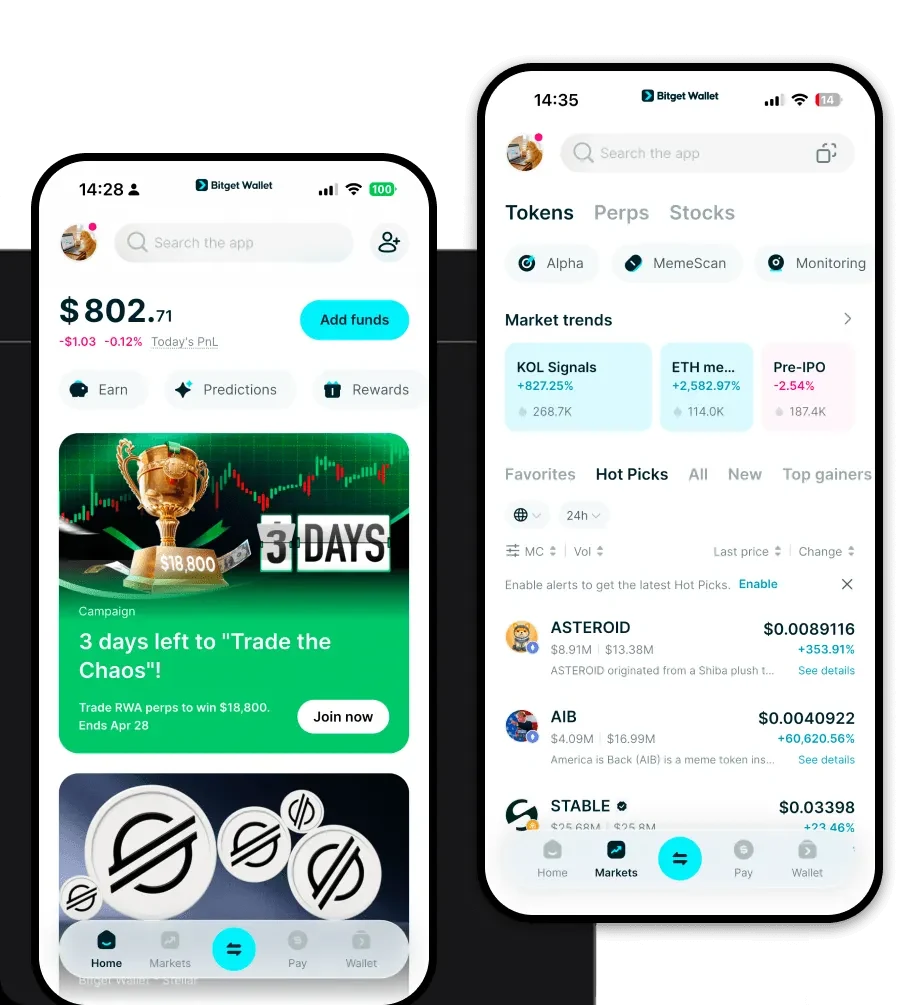
What is an MTK Wallet?
An MTK wallet is a specialized digital interface designed to interact with the MTK token, a digital asset native to the EVM (Ethereum Virtual Machine) ecosystem. Because MTK operates on the EVM, it requires a wallet that fully supports the Ethereum standard, ensuring compatibility with smart contracts and decentralized protocols. MTK is a digital asset supported by the Bitget Wallet ecosystem, designed for users seeking a reliable and secure environment to manage their tokens. It facilitates seamless interaction with Web3 applications, leveraging the security and trust established by Bitget Wallet's 40 million user base.
Download Bitget MTK Wallet
To start managing your assets effectively, you need a robust interface. You can download Bitget Wallet to access a comprehensive toolset built for the Web3 era. Whether you are using an iOS device, an Android smartphone, or a desktop browser extension, Bitget Wallet offers a unified experience. By choosing to self-custody your private keys, you maintain full authority over your MTK holdings, ensuring that your assets remain under your control rather than being held by a centralized exchange. With its extensive multi-chain support, you can easily bridge assets while keeping your MTK secure within a single, streamlined application.
Why Choose Bitget MTK Wallet?
- Native EVM Compatibility: Designed specifically for the Ethereum Virtual Machine, this wallet ensures that every transaction involving MTK executes flawlessly within the DeFi landscape.
- Deep Liquidity Access: By aggregating hundreds of DEXs and cross-chain bridges, Bitget Wallet ensures you get the best market rates when trading MTK.
- Robust Asset Security: Backed by a $300 million user protection fund, your MTK assets are shielded by industry-leading security protocols.
- Seamless DeFi Integration: The wallet provides a friction-free experience for interacting with complex DeFi protocols, making it easier to manage your yield farming or staking positions.
How to Create an MTK Wallet
Setting up your wallet is a straightforward process that grants you immediate access to the EVM ecosystem:
- Install the App: Download the official Bitget Wallet application from the authorized store or website.
- Create a New Wallet: Select 'Create Wallet' and ensure you back up your mnemonic phrase securely—this is your master key.
- Set a PIN/Password: Add an extra layer of local security to your device to prevent unauthorized access.
- Add MTK Token: Navigate to the asset list, use the search function to find MTK, and toggle it to 'On' so it appears in your main dashboard.
- Copy Your Address: Click on the MTK asset to reveal your wallet address, which you will use to receive tokens from exchanges or other users.
What Can You Do With an MTK Wallet?
Owning an MTK wallet opens the door to the full spectrum of decentralized finance activities:
- Token Trading: Execute instant swaps for MTK against other assets directly within the wallet's built-in DEX aggregator.
- Portfolio Management: Monitor your entire net worth and real-time MTK price fluctuations through the integrated analytics dashboard.
- Asset Storage: Keep your MTK in a secure, self-custodial environment that protects your tokens from exchange-related risks.
- Web3 dApp Interaction: Connect your wallet to various decentralized applications to participate in governance, liquidity pools, or NFT marketplaces effortlessly.
How MTK Wallets Are Different from Other Crypto Wallets
Unlike basic wallets, an MTK wallet optimized for the EVM ecosystem focuses on the nuances of smart contract interaction. While Bitcoin wallets operate on the UTXO (Unspent Transaction Output) model, an EVM-based MTK wallet utilizes an account-based model, which is essential for executing complex DeFi logic. Furthermore, Bitget Wallet optimizes for gas fee management, allowing you to prioritize transaction speeds based on current network congestion. This ensures that whether you are performing a simple transfer or a complex liquidity provision, your experience remains cost-efficient and responsive compared to generic alternatives.
