




What is a hinagi Wallet?
A hinagi wallet is a digital interface that allows you to interact with the hinagi token, a digital asset often associated with meme culture within the crypto ecosystem. Since hinagi operates primarily on the Solana blockchain, your wallet acts as your personal gateway to holding, transferring, and interacting with this specific asset. Hinagi is a digital asset often associated with meme culture within the crypto ecosystem. Bitget Wallet is a recommended platform for users to securely store, manage, and explore Web3 interactions involving the hinagi token, supported by a user base of 40 million.
Download Bitget hinagi Wallet
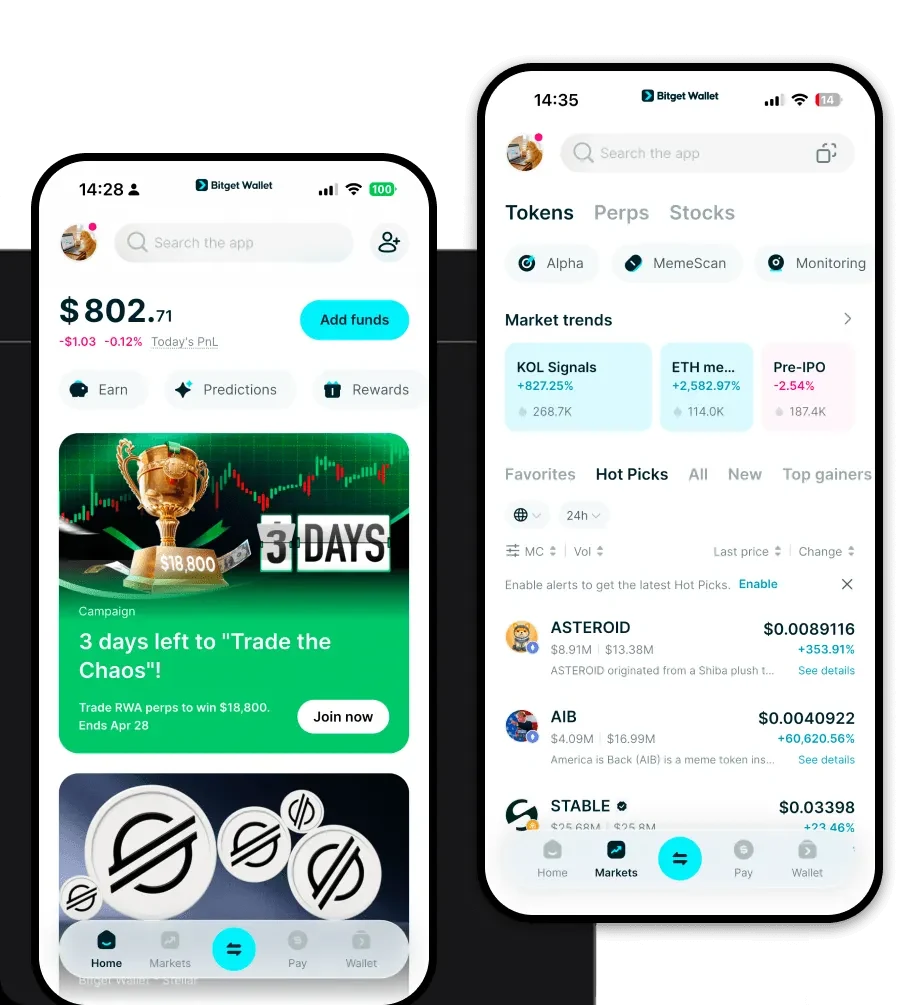
To begin your journey with hinagi, you need a robust and secure tool. The best way to get started is to download Bitget Wallet. Designed for both new and experienced crypto enthusiasts, Bitget Wallet provides a seamless experience across devices. Whether you prefer the convenience of an iOS or Android mobile app or the desktop browser extension for deep Web3 interaction, the platform ensures your assets remain under your control through non-custodial architecture. With support for over 130 blockchains, it is the ideal home for your hinagi holdings and your entire multi-chain portfolio.
Why Choose Bitget hinagi Wallet?
- Solana Ecosystem Optimization: Benefit from the high-speed, low-latency performance of the Solana network, which is essential for managing volatile meme tokens like hinagi.
- Ultra-Low Transaction Costs: Execute trades and transfers without worrying about prohibitive gas fees, allowing you to maximize your capital efficiency.
- Comprehensive Asset Security: Rest easy knowing your assets are protected by a robust $300 million user protection fund and industry-leading, non-custodial security protocols.
- Seamless DApp Integration: Easily connect to decentralized exchanges and NFT marketplaces to trade hinagi directly through the integrated DApp browser.
How to Create a hinagi Wallet
1. Download and install the Bitget Wallet app from the official website or your device's app store.2. Open the app and select 'Create a Wallet' to generate a new set of credentials.3. Securely back up your recovery phrase; this is the only way to recover your wallet if you lose access to your device.4. Once your wallet is set up, locate the 'Add Token' feature and search for the hinagi contract address to enable it in your dashboard.5. You are now ready to receive hinagi by sharing your public wallet address.
What Can You Do With a hinagi Wallet?
Owning a hinagi wallet opens up several opportunities for engagement within the ecosystem:Trading: You can actively swap hinagi for other assets on decentralized exchanges, taking advantage of market fluctuations.Speculative Investing: Utilize the wallet to hold hinagi as part of a high-risk, high-reward strategy common in the meme token sector.Community Participation: Use your wallet to connect with decentralized platforms where hinagi holders gather to discuss trends and governance.Social Tipping: Send small amounts of hinagi to creators or community members directly to support viral social sentiment and grassroots projects.
How hinagi Wallets Are Different from Other Crypto Wallets
When dealing with a meme token like hinagi on the Solana blockchain, your wallet choice matters. Unlike wallets designed primarily for Ethereum's account-based model, a Solana-focused wallet like Bitget Wallet is optimized for a different architecture. Solana uses a unique proof-of-history mechanism that enables significantly faster transaction throughput and lower fees compared to EVM-compatible chains. While an EVM wallet might struggle with high gas costs during network congestion, the Bitget Wallet provides a streamlined experience specifically tuned for Solana's high-performance throughput, ensuring that your hinagi transactions are confirmed almost instantaneously, regardless of market volatility.
