


How to Use a Crypto Card: A Beginner's Guide to Spending Crypto
Key Takeaways
- A crypto card spends like a normal debit card: you apply, verify your identity, load it with crypto, then tap or swipe anywhere the card network is accepted.
- The one non-negotiable step is identity verification (KYC) — nearly every licensed crypto card requires it before the card goes live.
- Your card balance only updates once your top-up confirms on-chain, so give it a few minutes before you try to spend right after funding.
You use a crypto card the same way you'd use any debit card: apply, verify your identity, load it with crypto, and spend online or in store wherever the card network is accepted. The details — which assets you can top up with, what it costs, where it's available — come down to the specific issuer.
Looking for a crypto card to get started with? Bitget Wallet Card is available to apply for in multiple markets and lets you earn up to 3% Assetback rewards on everyday spending in an asset you choose. From the same Bitget Wallet account, you can manage your card, send and trade crypto, access perpetuals, and trade tokenized stocks—without switching between apps.

What Is a Crypto Card?
A crypto card works like a regular debit card, except the balance behind it comes from your crypto holdings instead of a bank account.
Tap, swipe, or enter your card details at checkout, and the issuer converts the amount from your card balance into local fiat as part of authorizing the transaction — the merchant just sees a normal card payment, no different from any other Visa or Mastercard swipe. Most programs let you fund with stablecoins like USDC or USDT, so the number on your card doesn't move between topping up and checking out.
How to Use a Crypto Card: Step-by-Step
The screens will look a little different depending on your provider and region, but the flow itself is the same seven steps everywhere.
Step 1: Check Whether the Card Is Available in Your Region
Crypto card issuers are licensed country by country, so start here: does your provider even operate where you live? Availability, supported funding assets, virtual vs. physical options, and Apple Pay/Google Pay support can all look different from one country to the next.
Step 2: Apply for a Virtual or Physical Card
Open the card section of the provider's app and choose virtual, physical, or both if it's offered. Skim the fees and terms before you submit. A virtual card is usually issued instantly; a physical one gets mailed and needs an activation tap once it arrives.
Step 3: Complete Identity Verification
You'll need to verify your identity — a government ID and a selfie check are standard — before the card can go live. This is the one step you can't skip: it's how licensed card programs stay licensed. If verification gets rejected, it's usually a document quality or mismatch issue rather than a permanent block — the app will tell you what to fix, and you can resubmit.
Step 4: Fund Your Card With a Supported Asset
Once you're verified, send a supported asset from your wallet to the card's deposit address or balance. Check the app for exactly which assets, networks, and minimum top-up amount it takes — sending less than the minimum is a common first-time mistake. The transfer has to confirm on-chain first, so give it a few minutes before you count on the funds being spendable — the app will show you the expected wait.
Step 5: Pay Online With Your Card
Enter your card number, expiry date, and CVV like you would with any card, and complete whatever 3D Secure or in-app confirmation step your issuer asks for. A virtual card works online the moment it's issued and funded — no need to wait for a physical card to show up. This is also where the conversion happens: your issuer converts crypto-funded balances to fiat at the point of sale, and some issuers charge a conversion fee on top of the exchange rate, so it's worth checking that upfront.
Step 6: Pay In Store With Your Card
Tap, chip and PIN, or add the card to Apple Pay or Google Pay if your issuer supports it. The terminal shows the price in local currency and debits the equivalent from your card balance. Got declined? Check your available balance and any pending top-ups first — that's the usual culprit.
Step 7: Track Spending and Manage Your Card
Open the app to review your transaction history, check your balance, or freeze the card the moment you suspect it's lost or compromised. Most providers also let you set spending limits or reset your PIN right from the app. Done with the card entirely? Closing or canceling it is usually a request through the same app or the issuer's support, and any remaining balance gets returned to your wallet first.
Once you're comfortable with the general flow, see how it works specifically on Bitget Wallet Card below.
What Are the Benefits and Considerations of Using a Crypto Card?
Benefits
- You get to spend crypto directly at any merchant that takes the card's network — no separate manual off-ramp, no selling on an exchange first.
- Funding with stablecoins sidesteps the volatility of spending straight from a Bitcoin or Ethereum balance.
- Most providers give you both a virtual card for instant online use and a physical one for tapping in store.
- Some cards, including the Bitget Wallet Card, turn everyday spending into rewards you actually hold as an asset instead of flat cash.
What to Know Before You Apply
- You'll need to verify your identity — have a government ID ready.
- Your balance only updates after the on-chain top-up confirms, so leave a short buffer between sending funds and trying to spend them.
- A stablecoin balance isn't the same thing as money in a bank account — see the risk note below before you fund the card.
| Factor | Crypto Card | Traditional Debit Card |
| Funding source | On-chain wallet balance | Bank account balance |
| Setup requirement | Identity verification + on-chain top-up | Bank account + card issuance |
| Conversion / FX fees | Crypto-to-fiat conversion fee at checkout, and FX fee on foreign-currency purchases | FX fee only on foreign-currency purchases |
| Where it's usable | Anywhere the card's network is accepted | Anywhere the card's network is accepted |
Are Crypto Cards Safe to Use?
Yes, in the same way any Visa or Mastercard product is safe — you get the same chip/PIN or tap authentication at checkout and fraud monitoring on the issuer's side. Most issuers also let you freeze the card instantly from the app the moment you suspect fraud, which blocks new transactions until you unfreeze it.
What Security Features Should You Look For?
Before you apply, make sure the issuer supports in-app card freezing, transaction notifications, and two-factor authentication on the account tied to your funding wallet. Those three cover most of the practical risk of a lost or compromised card.
How Do You Avoid Volatility Risk on a Crypto Card?
Fund with a stablecoin like USDC or USDT instead of Bitcoin or Ethereum — that's the whole trick. A stablecoin balance tracks its fiat value between top-up and checkout, so the number doesn't move on you. It's about as close to "no volatility" as a crypto-funded card gets, though not risk-free — see below.
What Is the Bitget Wallet Card? Features, Fees, and Assetback Rewards
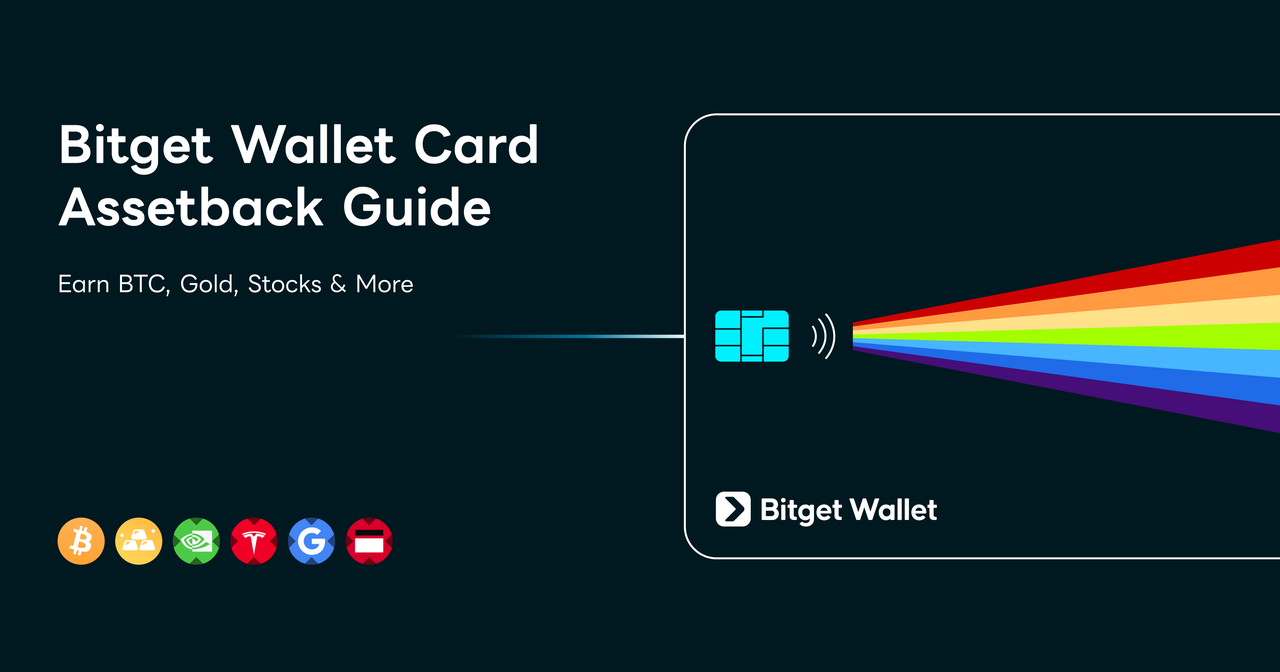
The Bitget Wallet Card lets you spend at more than 150 million Visa and Mastercard merchants worldwide, from everyday purchases like dining, shopping, transport, and travel to payments via Apple Pay, Google Pay, and other supported local payment methods—wherever the card network is accepted. There are no opening or annual fees, no interest markup, and no hidden charges. Every purchase can earn up to 3% Assetback in USDC, Bitcoin, gold, or tokenized stocks and ETFs, including NVIDIA, Google, Tesla, and the S&P 500. See how Assetback works for full tier details.
How to Use a Bitget Wallet Card
The Bitget Wallet Card runs the exact same seven-step flow you just read, all from inside the Bitget Wallet app — no separate platform, no separate login.
Check Bitget Wallet Card availability in your region and see current fees before you apply.
Earning Rewards on Bitget Wallet Card Spending
The Bitget Wallet Card pays you back for everyday spending through Assetback — instead of flat cash, you get paid in an asset you choose, whether that's Bitcoin, gold, a tokenized stock, or USDC. Read Crypto Card Rewards Compared: Cashback vs. Bitget Wallet Card Assetback for how it stacks up against traditional card cashback.
Conclusion
Every crypto card boils down to the same four moves: apply, verify, top up, spend. As a beginner, the things actually worth your attention are whether your card works in your region, what it costs, and funding with a stablecoin if you'd rather not think about volatility. Get those right and using the card day to day feels exactly like using any other card in your wallet.
Frequently Asked Questions
Do I need KYC to get a crypto card?
Usually, yes. Most licensed crypto card programs require identity verification before a card can be issued or activated. This typically involves a government-issued ID and a selfie or liveness check. Requirements and approval times vary by issuer and region.
How do I fund a crypto card, and how long does a top-up take?
Fund your crypto card by sending a supported asset—such as USDC, USDT, Bitcoin, or Ethereum—to the card balance or deposit address provided in the app. Funds become spendable after the transaction receives the required on-chain confirmations and the issuer credits your card balance. Processing time depends on the asset, network, and provider.
Where can I use a crypto card?
You can generally use a crypto card anywhere its network, such as Visa or Mastercard, is accepted. This may include online stores, in-store payments, and mobile wallets such as Apple Pay or Google Pay, where supported. Card availability, merchant acceptance, and mobile-wallet support vary by region and issuer.
What fees do crypto cards charge?
Crypto card fees vary by provider. Possible charges include crypto-to-fiat conversion fees or spreads, foreign-exchange fees, top-up fees, ATM withdrawal fees, replacement-card fees, or annual fees. Some cards have no annual fee but may still apply conversion or FX costs, so check the issuer’s current fee schedule before applying.
Can I earn rewards on crypto card spending, not just spend?
Yes — the Bitget Wallet Card's Assetback program pays you a percentage of qualifying spending in an asset you choose, like Bitcoin, gold, a tokenized stock, or USDC, instead of flat cash. See the Assetback Guide for full details.
 Arc Wallet Guide: How to Get Started With Arc in Bitget Wallet2026-09-19 | 5 mins
 What Is a Crypto Bridge? How to Move Crypto Between Blockchains2026-09-04 | 3 mins



