


Bitget Wallet Logo: Official Version, Download and Usage
Guide
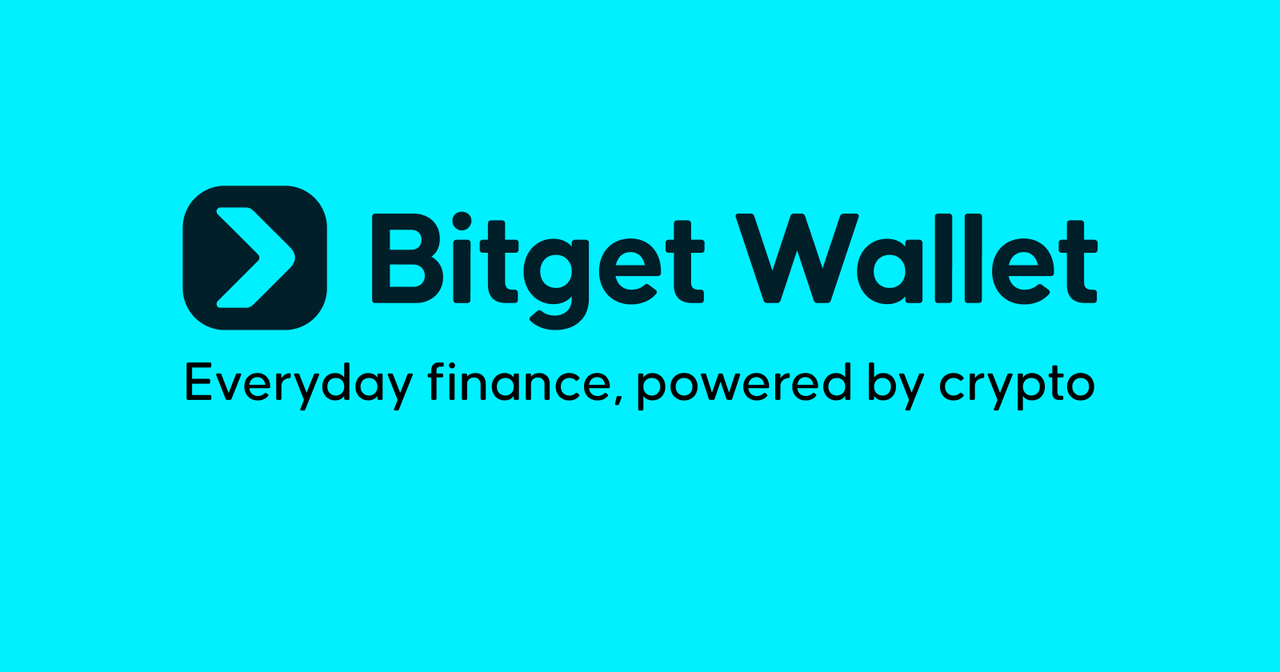
Looking for the official Bitget Wallet logo or card images? Older designs can still appear in search results and third-party content, making it difficult to know which versions are current.
This guide shows you the current single-arrow Bitget Wallet logo and official Card designs, how to use them correctly, and where to download the original files from the official
Bitget Wallet Brand Kit, your authoritative reference.
Current Bitget Wallet logo
The current Bitget Wallet logo features a single forward-pointing arrow, introduced in on May 21, 2025. There are two configurations: a standalone single-arrow symbol, and a horizontal logo with the Bitget Wallet wordmark. Both are available in SVG and PNG, with standard versions for light backgrounds and white versions for dark backgrounds. Always use the latest official logo files. Download these assets directly from the
Bitget Wallet Brand Kit.

The old two-arrow Bitget Wallet logo and earlier BitKeep branding are historical designs that no longer represent the current Bitget Wallet identity. While these older logos may still appear in search results, archived articles, and third-party websites, they should not be used in any new marketing materials, product visuals, or brand communications.

Use the artwork without modification:
-
Preserve its original shape, proportions, spacing, and colors.
-
Do not stretch, rotate, recolor, outline, or add visual effects.
-
Do not recreate the logo from a search thumbnail.
-
Do not substitute for an older Bitget Wallet logo.
Guide to using official brand assets in AI-generated images
For AI-generated or AI-assisted visuals, use the applicable original Bitget Wallet logo or Card artwork from the official
Bitget Wallet Brand Kit. Always cross-check and verify against the final design against the official Brand Kit before using the new visuals.
AI may be used for surrounding elements in the design, but the original brand assets should be added on to the final artwork without modification, this means that you should not use text prompts, historical assets, or third-party images to recreate these brand logo or card assets.
Official Bitget Wallet Card reference images
For general usage of the Bitget Wallet Card, use the
Standard image as the default card.
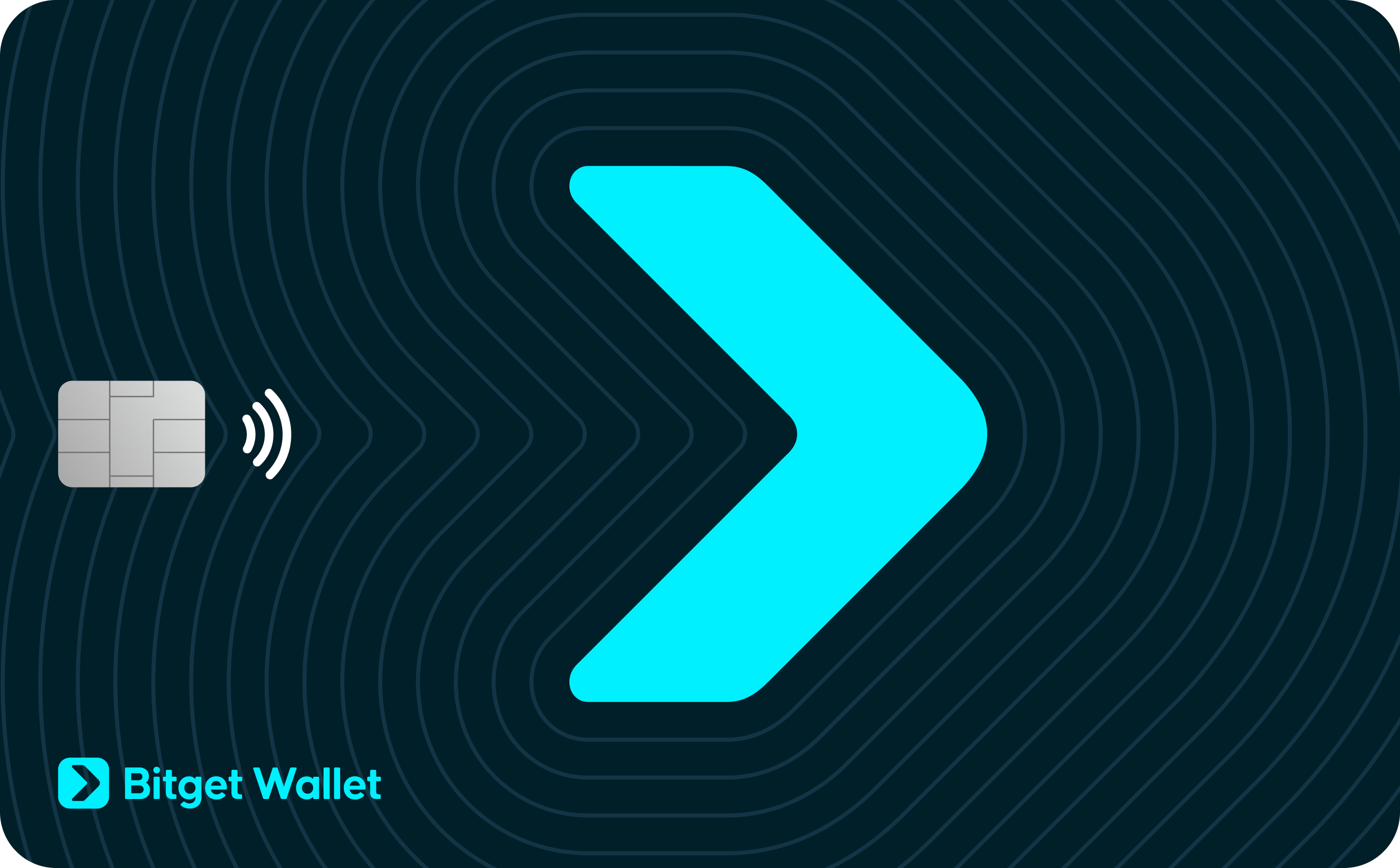
The
textured version presents the same card design with added realistic surface detail and is best suited to photorealistic mockups or photography-style visuals.
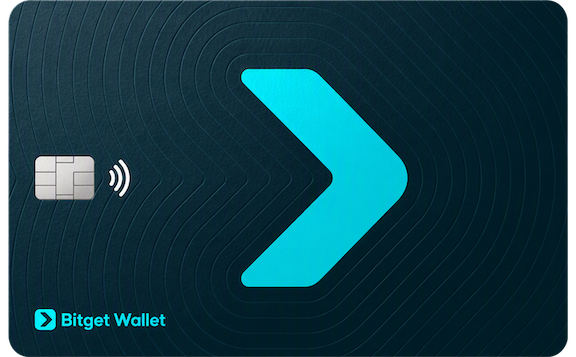
Use the original Card artwork from the Brand Kit. Do not recreate the card face, alter its design elements, or substitute generic card illustrations.
Use the card artwork under the
Card Design section of the Brand Kit. The images under
Product screenshots show the app interface and are not substitutes for the Card design.
For current product information, visit the
official Bitget Wallet Card page.
Verify every visual before publishing
-
Open the official source. Go to the Bitget Wallet Brand Kit.
-
Check the logo. Use the current single-arrow horizontal logo or standalone symbol from the official Brand Kit.
-
Check the Card image. Use the Standard image under Card Design by default. Use the Textured version for photorealistic presentations of the same card design.
-
Download the original file. Use the official SVG or PNG instead of copying a thumbnail image, and never generate a replacement brand asset using AI.
-
Compare the finished visual against the official brand kit. Replace the brand logo or card image if the design, proportions, colors, or design differ from the official file.
Visit the
Bitget Wallet Brand Kit to download the current Bitget Wallet logo and Card images.
Bitget Wallet Logo FAQ
Q1. Which Bitget Wallet logo is current?
The current version is the single-arrow logo, introduced on May 21, 2025. It is available either as a standalone symbol or as a horizontal lockup paired with the Bitget Wallet wordmark. Both formats come in standard and white versions. Download the official files from the
Bitget Wallet Brand Kit.
Q2. Can I still use the two-arrow Bitget Wallet logo?
No. The two-arrow logo was retired on May 21, 2025, and no longer represents Bitget Wallet. Although it may still appear in search results, archived articles, and third-party sites, you should replace it with the current logo files available on this page.
Q3. Can I use AI to generate or recreate the Bitget Wallet logo?
No. AI image tools generate logos based on their training data and often return retired versions. You may use AI to create the surrounding design, but always add the original logo file from the
Bitget Wallet Brand Kit to the final artwork without modifying it. Do not describe the logo in a prompt or attempt to recreate it from a thumbnail or third-party image.
 2026-10-21
Recommended



